EdgeView 5.8.0 Multilingual macOS
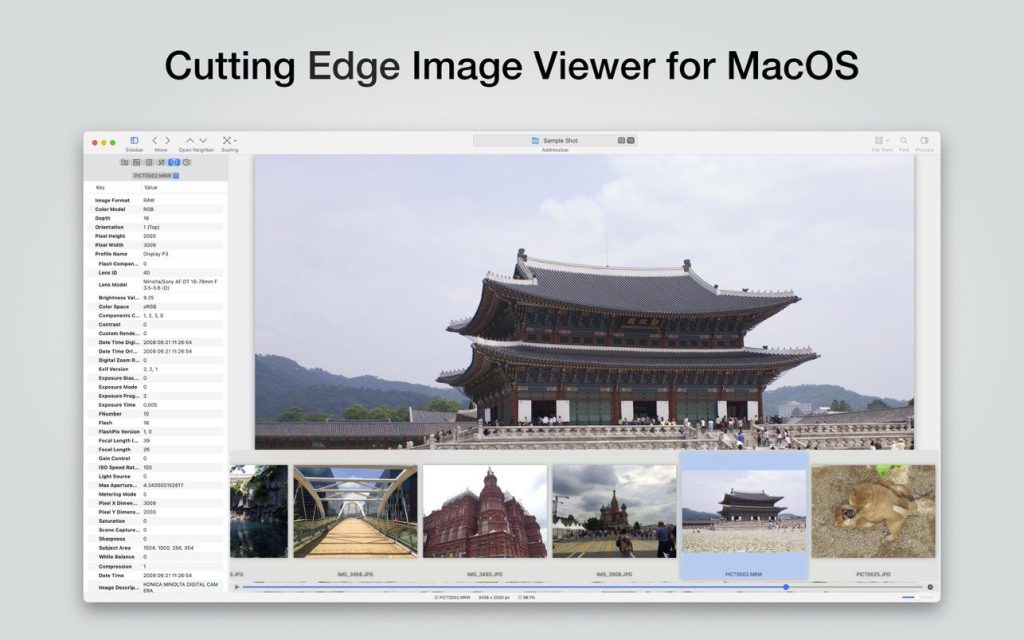
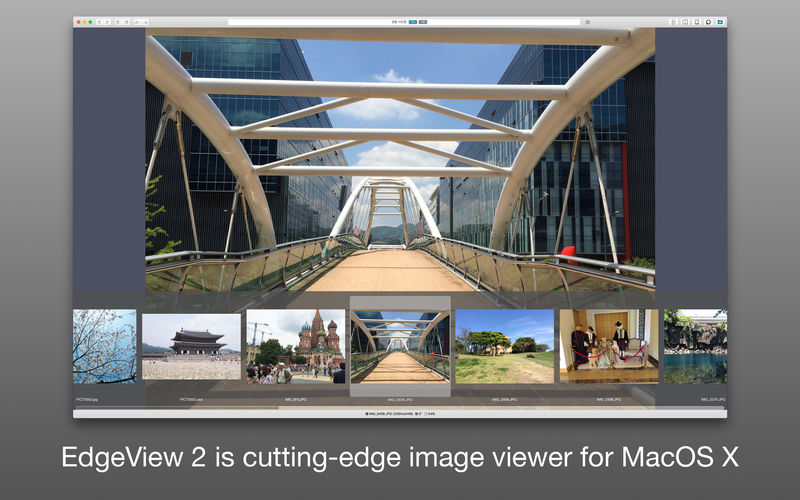
EdgeView 3 is a fast image viewer with an elegant user interface. Designed and developed for modern macOS, EdgeView 3 can open a variety of image files, including JPEG, PNG, TIFF, BMP, and DSLR RAW files, EPS, PDF, and AI (Adobe Illustrator). You can also open archived image files directly without extracting them.
The user can open, rename, and delete files from the EdgeView file browser. Network volumes can also be accessed via SMB/AFP/FTP.
Users can quickly navigate images using keyboard shortcuts, mouse wheel, and trackpad gestures. EdgeVew displays EXIF information and smoothly plays GIF/PNG/WebP animations. Save the last view in the history and restore it when reopening the file.
EdgeView 3 will be your best choice when viewing and managing image files.
Peculiarities
- Complete code rewritten in Swift to improve performance.
- Support for the m1 Mac processor.
- It has a simple user interface and can control the main functions on the sidebar.
- Support English/Korean/Japanese/Chinese (Simplified) languages.
View images
- Support image files such as JPG, GIF, BMP, PSD, TIFF, RAW, WEBP and PDF, EPS, AI (Adobe Illustrator), OpenEXR, HDR, TGA.
- Can play GIF/PNG/WebP animations. The user can control the animation using the floating animation controller.
- Display an inner image (or frame) of a GIF/PNG/WebP or HEIC animation that has multiple inner images.
- It can read and display images of major archive formats (such as ZIP, RAR, CBZ, CBR, and 7-zip) without extracting. Of course, it can open ZIP files larger than 4 GB.
- Can read encrypted archive file.
- Can recursively read an archive file within an archive file
- Rendering speed has been increased thanks to a rebuilt image caching system and rendering engine.
- We draw images of the highest quality.
- Provide suitable features for reading comics, such as “Double Page Spread”, “Continuous Scrolling Mode”, “Right to Left”, etc.
- Provide multiple navigation functions such as Move, Skip, Shift, etc.
- The user can navigate through images and inspect full thumbnails in the thumbnail panel.
- The user can navigate through the images using keyboard shortcuts, mouse wheel, and trackpad gestures.
- You can rotate and flip images. The orientation will be saved in the history.
- The user can select a part of the image and copy it or save it as a file.
- You can freely zoom in/out the image.
- Built-in magnifying glass function for easy enlargement of a part of an image.
- Show histogram.
- Show a list of nearby files. And can open a nearby file.
- Support history function to save and restore the latest file status.
- You can reopen the file or delete the history in the history list.
- Can rate image files.
File browser
- The built-in file browser can display and open files from local disk or AFP/SMB/FTP network disk.
- Can display files as lists or icons.
- Show images in folder/archive file in preview pane.
- Create thumbnails of archived files and folders.
- Support powerful search function.
- Show category and writer information.
- The user can sort files by various parameters, as well as delete or rename files.
- You can rate files or folders.
Other
- Customization support. The user can also change shortcuts.
- The built-in Quick Look extension generates thumbnails and previews of archived files in Finder.
Compatibility: macOS 11.5 or later
Homepage https://apps.apple.com/pk/app/edgeview-2/id1206246482
Screenshots