Name: A_Better_Finder_Rename_12.29.dmg
Size: 16 MB
Files: A_Better_Finder_Rename_12.29.dmg [16 MB]
A Better Finder Rename 12.29 macOS
A Better Finder Rename is the most complete renaming solution available on the market today. That’s why, since 1996, tens of thousands of hobbyists, professionals and businesses depend on A Better Finder Rename to organize and maintain files. The Instant Preview feature eliminates guesswork and costly errors and helps you find the right settings quickly and accurately by providing as-you-type feedback.
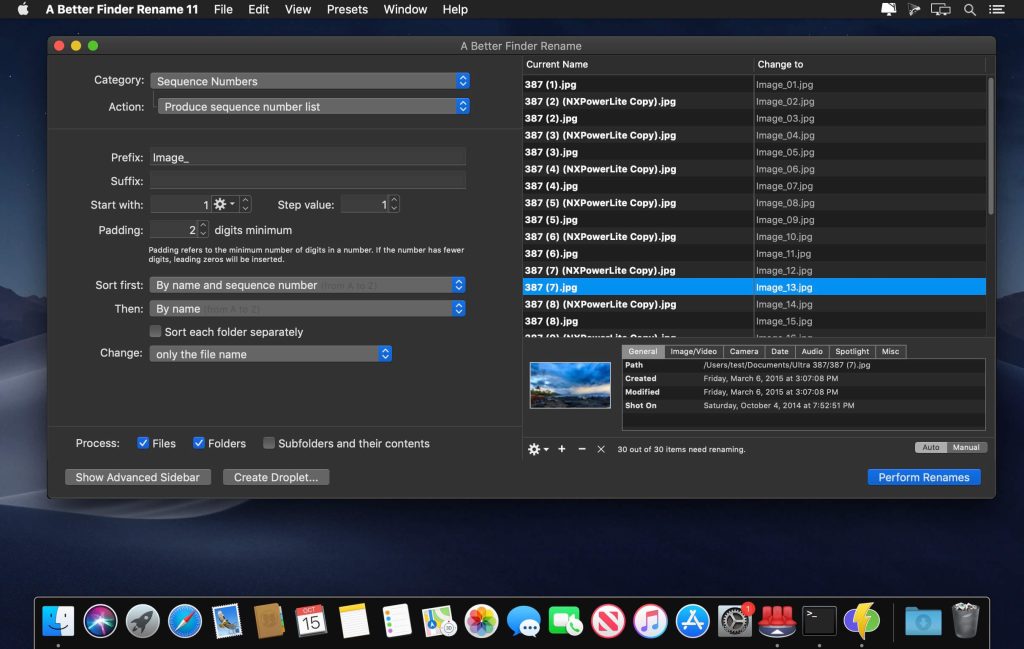
A Better Finder Rename offers a complete set of renaming options that are organized into 15 categories covering all the text, character, position, conversion and truncation features that you would expect from a file renamer, but it does not stop there. The multi-step renaming feature allows multiple renaming steps to be combined to deal with complex renaming jobs in a single operation. Unlike other tools, A Better Finder Rename allows any number of renaming actions to be combined, re-ordered, copied and deleted.
A Better Finder Rename is the best solution for automating the process of renaming large numbers of files. The program runs as a standalone application, but can also be accessed from the Finder context menu.
Beneath its simple and intuitive interface, A Better Finder Rename offers flexible file renaming options. The program offers a full set of settings, divided into 15 categories, including text, encoding, position, abbreviations, and many other useful features.
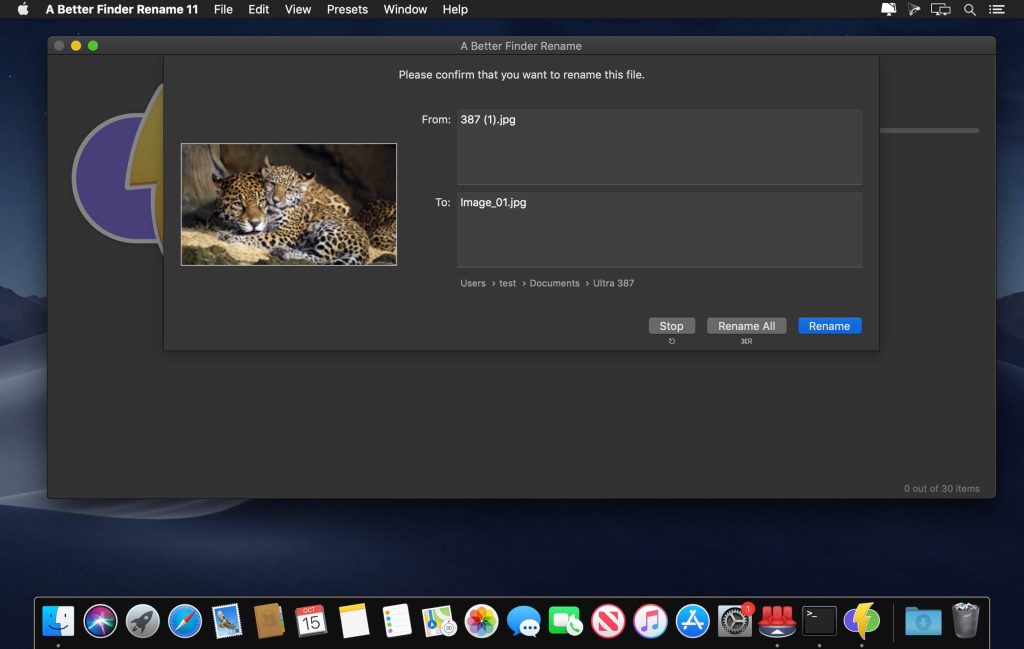
A Better Finder Rename can extract EXIF data such as time and date and add it to file names. All known RAW files are supported. To rename files using A Better Finder Rename, users select the desired files in Finder and drag them into the utility window. Then, specify the rules for renaming.
Key features:
- – Add, delete, insert, and replace characters and text;
- – Add, format, change, and insert serial numbers, create numbered sheets;
- – Add date and time to file names, rename according to file creation time;
- – Convert file names to Windows NTFS, SMB, DOS, Mac OS 9, and other formats;
- – Change case (lowercase and uppercase letters);
- – Rename mp3 and aac files according to tags;
- And much, much more…
What’s New:
Version 12.26:
- The new version adds a warning when creating a droplet on Ventura.
Compatibility: macOS 13.5 or later
Homepage https://www.publicspace.net/ABetterFinderRename/index.html
Screenshots