Name: eMail_Address_Extractor_6.1.3.dmg
Size: 6 MB
Files: eMail_Address_Extractor_6.1.3.dmg [6 MB]
eMail Address Extractor 6.1.3 macOS
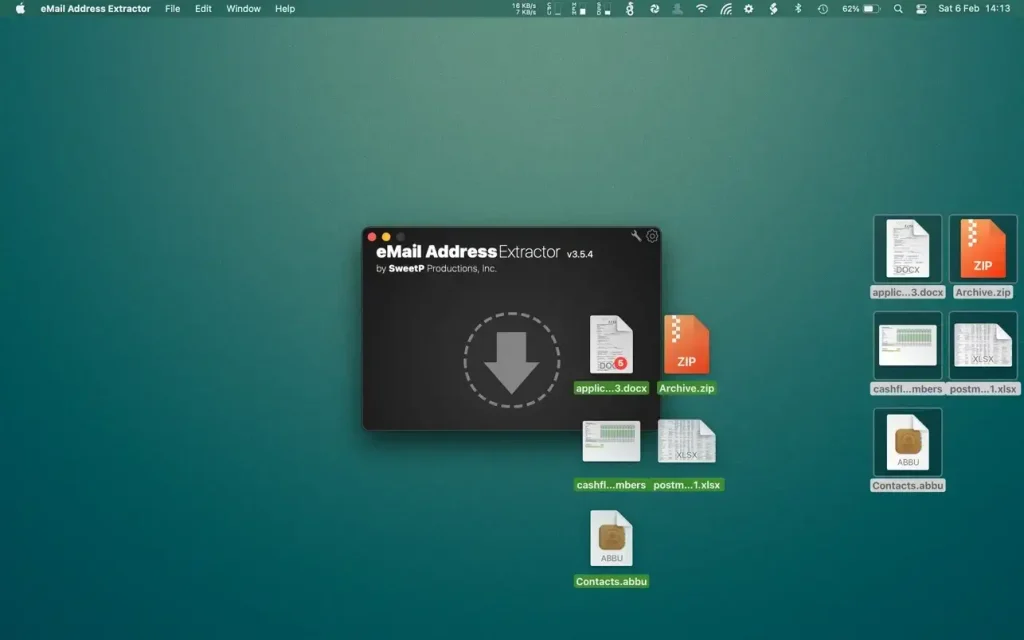
eMail Address Extractor is highly intuitive, just select your output file format, then Drop data files or entire directories onto the hand drop-zone to quickly produce a non-duplicate list of all valid email addresses.
eMail Address Extractor can scan many common file types. Pages, Keynote, Numbers, Microsoft Office, PDF, EMLX, SQL databases—virtually any file containing plain text in .acsii format can be scanned. Zip archives can be processed directly—there’s no need to expand them before scanning. Mail.app email accounts are also easily scanned using the user-friendly toolbar.
Choose a .csv or .txt output file for your mailing lists. Save time by creating filters to ignore specific file types or email addresses during scanning. Quickly scan headers in Mail.app accounts, or run a deep scan to also include content. Process files via the menu or drag-and-drop—choose what works best for your workflow.
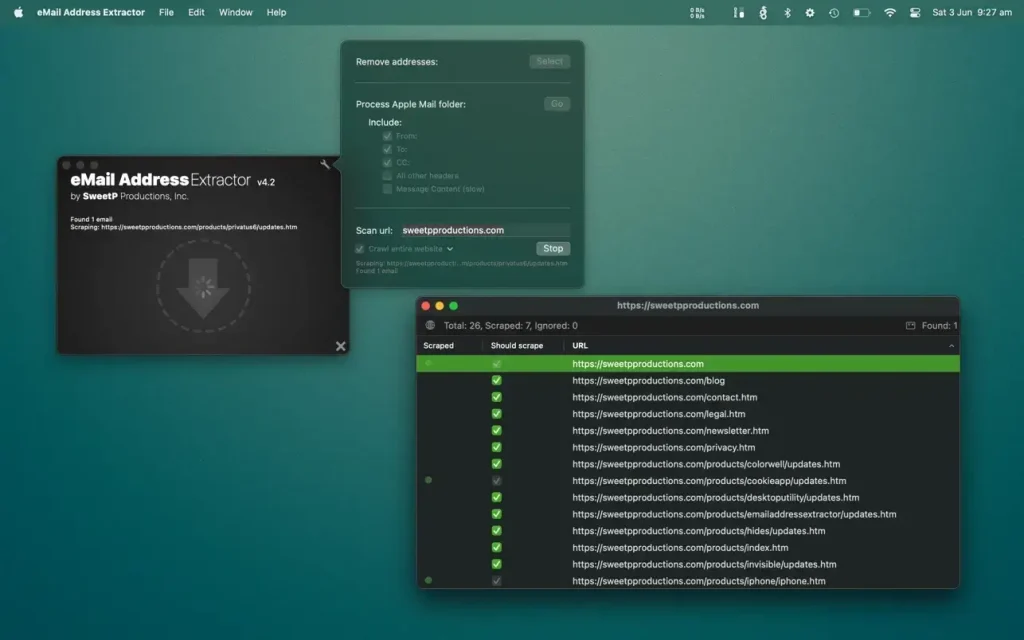
An intelligent URL scraper is included in the toolbar for quickly scanning web pages or entire domains. No need to manually crawl websites to obtain contact information. Simply submit a URL to extract email addresses, choose to scan a page or an entire domain, and configure it. All detected emails will be neatly packaged in your chosen format.
Easily extract addresses from websites, your entire Apple Mail database, selected Mail.app folders, iWork projects (Pages, Keynote, Numbers), Microsoft Office (docx, xlsx). You can even scans within zip archives! so there’s no need to extract your archived databases and documents.
eMail Address Extractor is great for:
- creating personal and business mailing lists
- processing SQLite databases
- scanning multiple documents at one time
- removing duplicate adresses from mailing lists
- merging lists
- getting contact details from websites
Files can be processed:
- via the menubar
- drag and drop
Configuration to streamline your workflow:
- less false positives
- add flies types to an ignore list (speed up your workflow by not needing to manually sort through valid file types)
- ignore email addresses containing strings (mailer-daemon, noreply addresses for example)
- option to also scan the contents of emails (not just the headers)
- output results to CSV or TXT file
- notifications when tasks have been completed
Compatibility: macOS 11.0 or later
Homepage https://sweetpproductions.com/
Screenshots