VoiceInk 1.74 for Mac
VoiceInk is a private, offline solution for accurate speech-to-text translation with contextual understanding. The app works offline, protects your data, and adapts to your speaking style for more accurate transcription.
Peculiarities:
High-quality speech recognition
- – Support for Russian, English and other languages.
- -Adaptation to accents, noises and technical terms.
- -Modes: real-time (recording from a microphone) and processing audio files (MP3, WAV, etc.).
Contextual understanding
- – Takes into account previous phrases for more accurate decoding.
- – Suitable for lectures, interviews, meetings – where the coherence of the text is important.
- – Possibility of correcting terms (names, special words) through a user dictionary.
Complete privacy
- – Everything is processed locally – no cloud servers.
- -Anonymous mode support (does not save history).
Flexible export and integration
- – Save in TXT, DOCX, SRT (subtitles), JSON.
- -API for integration with Obsidian, Notion, ChatGPT.
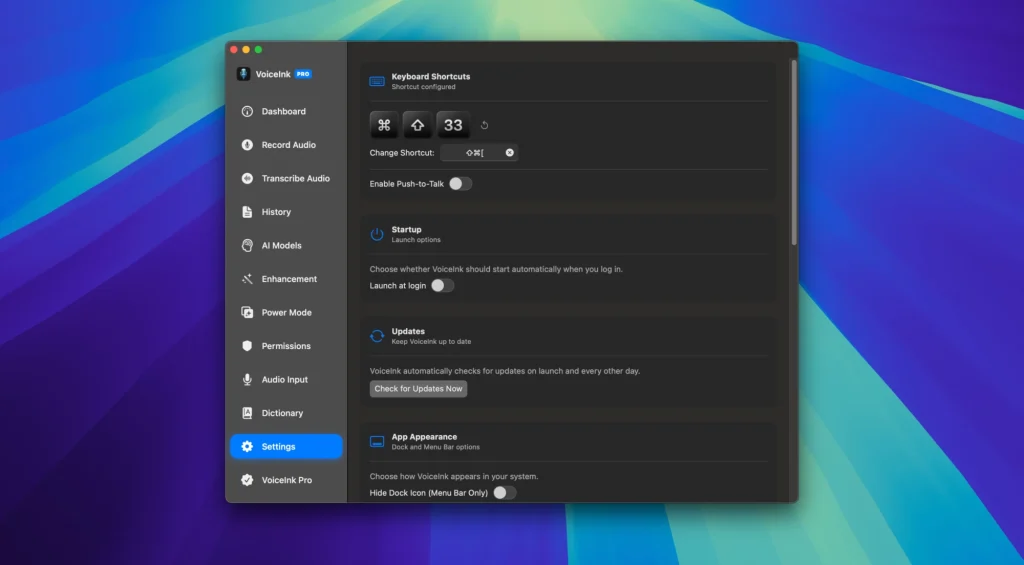
- -Support for hot keys and voice commands.
Easily dictate and transcribe audio
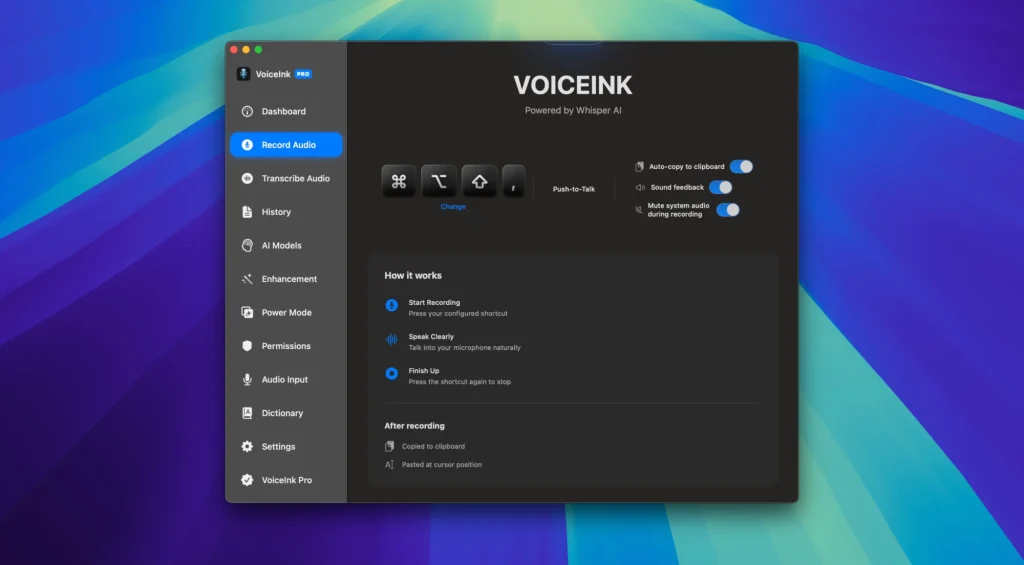
The initial setup involves granting the app some permissions, downloading an AI model, and defining a global hotkey. It’s easy enough, and you can then use the shortcut to activate the mini recorder at any time.
Even without tweaks or enhancement features, the transcription is amazingly accurate. Again, this relies on the AI models themselves, not the app, but mistakes are rare, and their performance is certain to get even better.
Additional enhancements based on app, website, or content
Where the app gets more clever is by using AI to enhance your dictation when transcribing. The simplest method is to use different enhancement modes based on the active app or website, and these modes can be customized with classic AI instructions.
Alternatively, the application can rely on either clipboard or screen content. This can give you better results if context is important, but it’s obviously not foolproof. While this does require analyzing content on your screen, it’s important to note that all processing is done on your Mac.
Somewhat busy UI but simple enough workflow
The interface can be a little bit confusing at first, and it would be nice if your transcriptions were available directly from the dashboard. Nevertheless, you should find your way around pretty quickly, and you can control the most important functions directly from the menu bar.
VoiceInk is a very impressive project, especially considering that it can be used for free if you don’t mind compiling the app yourself. It has a lot of great features that make both dictation and text processing very accessible, and it’s very unobtrusive once you set it up to your liking.
What’s New:
- Version 1.51:
- Added the ability to add your custom fine-tuned whisper models.
- Added gpt-oss-120b model from Groq
- Added nova-3 medical model for transcription
- Power mode back with a way to set default power mode
- Improved transcription history cleanup settings
- Fixed License verification issue
- Minor Improvements/bug-fixes
Compatibility: macOS 10.14 or later
Homepage https://tryvoiceink.com/
Screenshots