ClickClack – Typing Trainer 3.6.3 for Mac
ClickClack is a touch typing trainer for learning and improving typing skills. It helps users increase their typing speed and accuracy, reduce errors, and master the ten-finger typing method.
Features:
- • Interactive learning. Step-by-step lessons with gradual increase in difficulty: from basic keys to complex combinations and entire sentences.
- • Adaptability. The system analyzes the user’s mistakes and pace, adjusting exercises to their individual level.
Various modes:
- • Basic lessons on key zones;
- • Timed training;
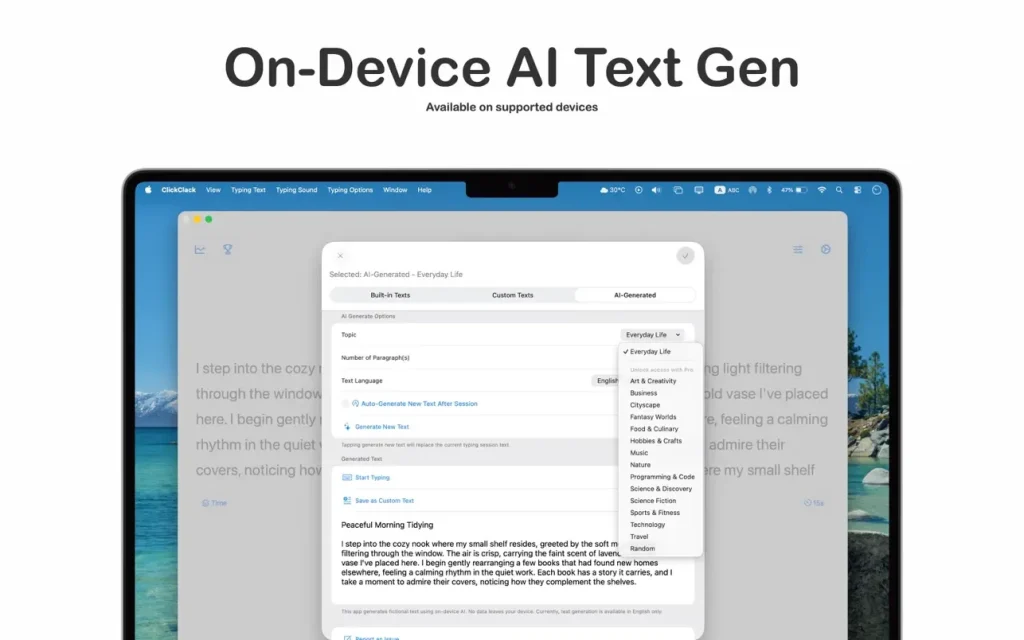
- • A set of real texts (news, fiction);
- • Special exercises for problematic combinations.
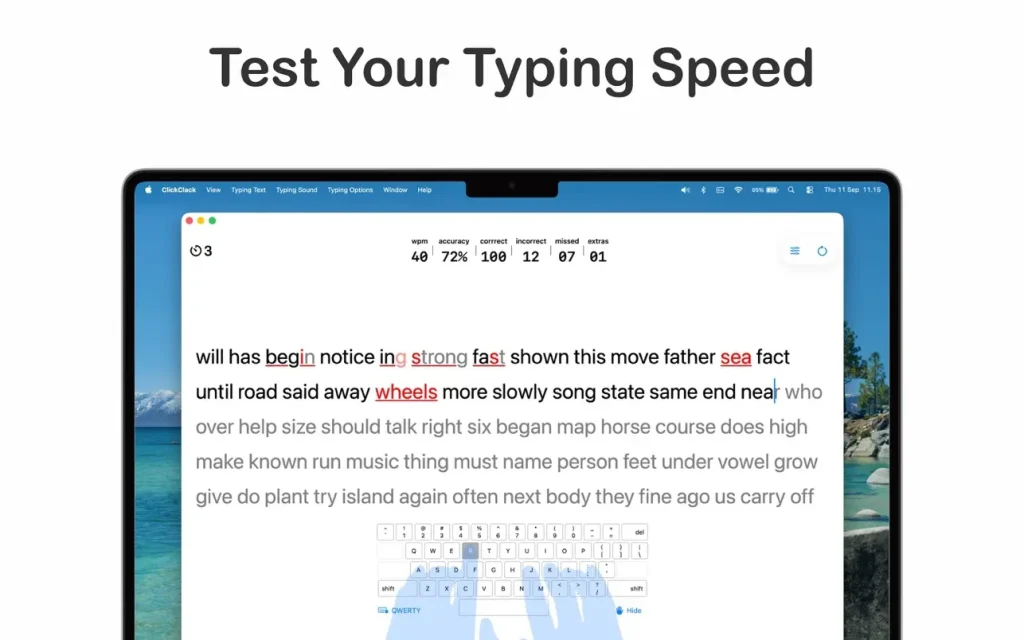
- • Visual feedback. Key backlighting, color error indicators, keystroke animation.
- • Statistics and progress. Detailed analytics: speed (characters per minute), accuracy (%), improvement dynamics, error map.
- • Layout support. Works with Russian, English and other keyboard layouts.
- • Game element. Achievement system, ratings, daily challenges for motivation.
Suitable for:
- • Beginners who want to master touch typing.
- • Office workers looking to increase productivity.
- • Students and journalists working with large volumes of text.
- • Gamers who improve their reaction time and finger coordination.
- • Anyone who wants to reduce eye strain and speed up typing.
Compatibility: macOS 14 and later
Homepage: https://clickclack.app/
Screenshots