ExactScan 26.3 for Mac
ExactScan is the professional scan solution for a paperless office on the Mac. Application comes with over 400 drivers for professional document scanners from Avision, Canon DR-series, Fujitsu fi-series, Kodak, Oki, Panasonic, Visioneer and Xerox, which otherwise do not come with a Mac driver.
Program Features:
- – More than 400 built-in drivers for professional document scanners from Avision, Canon, Fujitsu, HP, Kodak, Oki, Visioneer and Xerox
- – Support for various third-party scanners via ImageCapture and TWAIN drivers
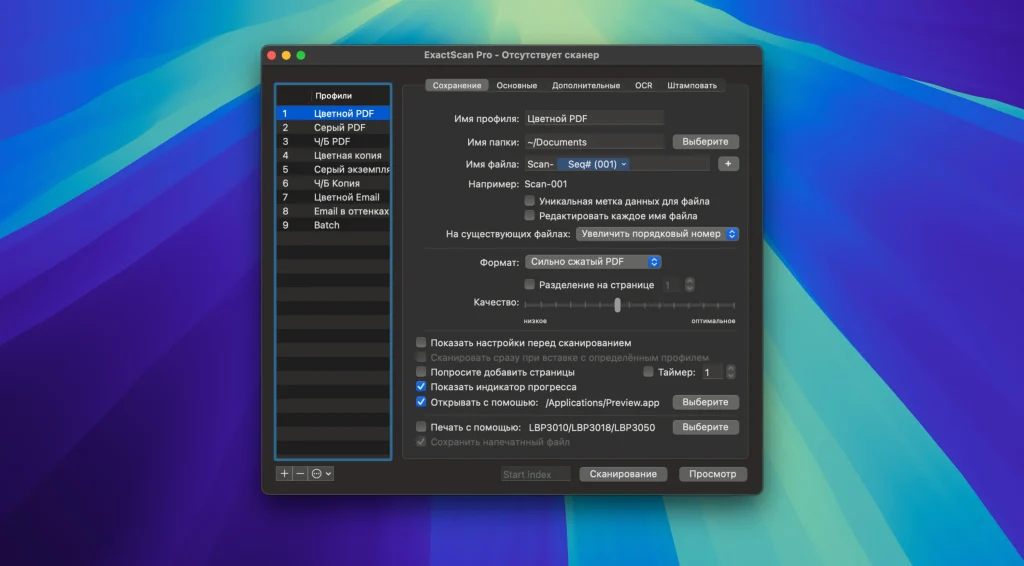
- – Saving in PDF, TIFF, JPEG, JPEG 2000, PNG, BMP, PNM formats
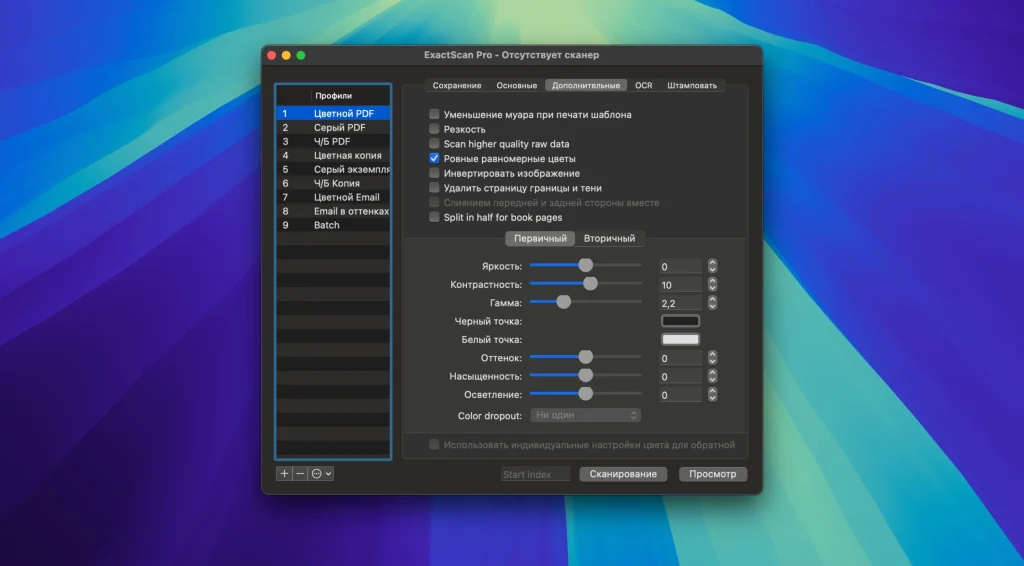
- – Advanced and intelligent image processing algorithms
- – Auto-cropping and skew correction
- – Removing blank pages
- – Direct scan-to-print
- – Profiles for customizing the scanning workflow
- – AppleScript support for professionals
Some additional features of ExactScan Pro:
- – Text recognition for creating searchable PDF files
- – Automatic rotation, color and source detection
- – Ability to print flexible text on a scanned image
- – Barcode recognition for sorting files by barcode
- – Batch processing of existing image files
ExactScan Pro additionally includes
- • OCR to directly create searchable PDF files
- • Content based page de-skew
- • Automatic rotation, color- and source detection
- • Imprinter to print flexible text into the scanned image
- • Barcode recognition to file stacks by barcodes
- • Batch processing of existing image files
The following languages are supported by the OCR
Bulgarian, Croatian, Czech, Danish, Dutch, English, Estonian, French, German, Hungarian, Italian, Latvian, Lithuanian, Polish, Portuguese, Rumanian, Russian, Serbian, Slovenian, Spanish, Swedish, Turkish, Ukrainian, and
Compatibility: macOS 10.13 or later
Homepage http://exactscan.com/
Screenshots