Unite Pro 1.4 for Mac
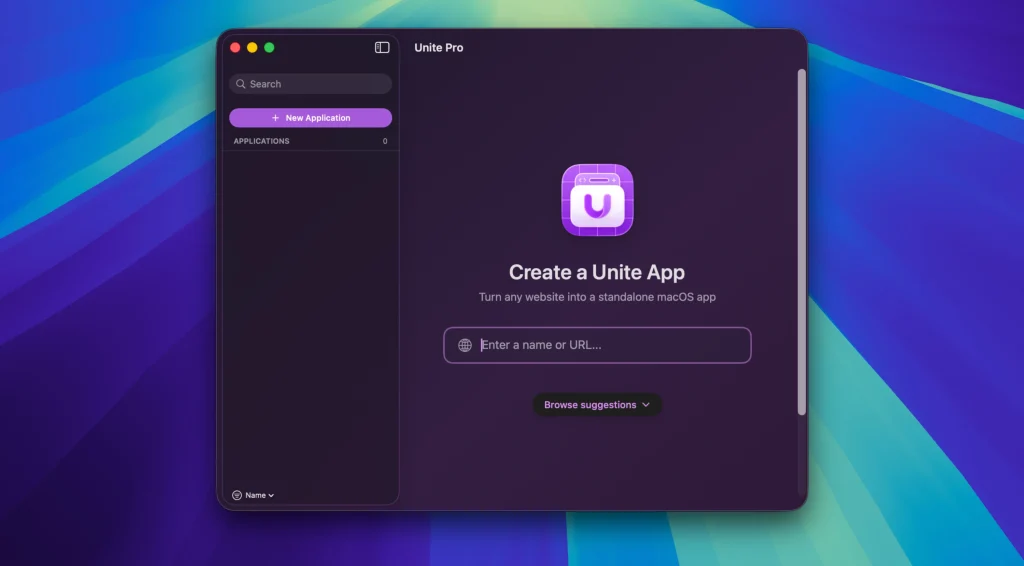
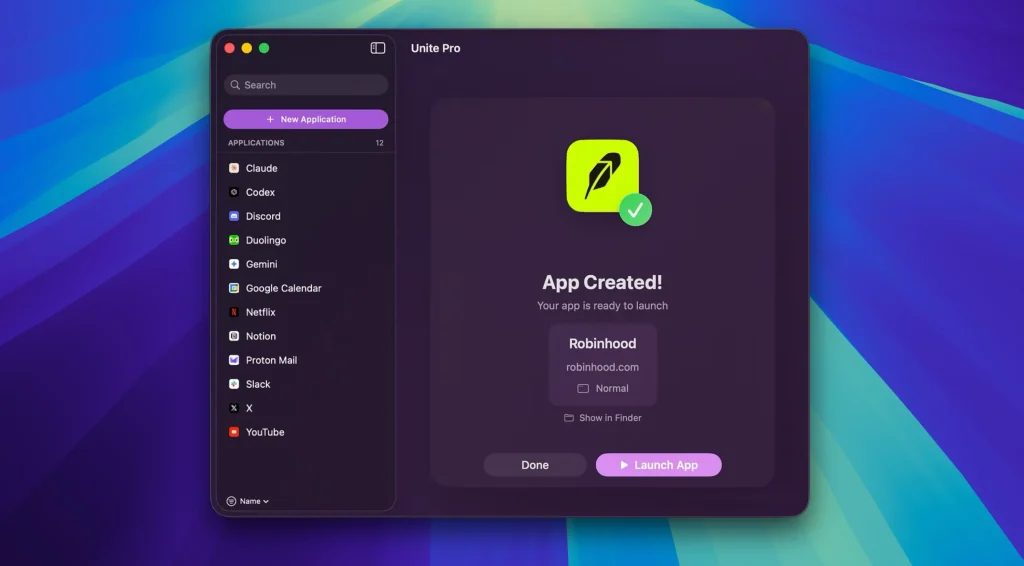
Unite lets you quickly and easily turn websites into fully functional native macOS apps. Using the revolutionary Unite browser as the backend, each Unite app has its own browser, remaining incredibly small and fully featured. And because
Each Unite app is a unique browser, with its own cookies and settings, as well as support for custom scripts and user styles. In addition to modern web browsing features, Unite apps include macOS-specific functionality, including notifications, Touch Bar support, the ability to pin apps to the status bar, and more.
How Unite Pro works
- Three app modes: run sites as a normal window app, a sidebar companion, or a lightweight menu bar utility—and switch modes per app.
- Smart setup: creation flow suggests names, icons, URLs, and defaults so first launch feels native.
- Website controls: hide page clutter, tweak typography/color, force light/dark, and tune readability without leaving the app.
- Scripts & styles: per-URL customization with optional sync of zoom, user agents, and rules across your Unite apps.
- macOS integrations: badge notifications, meeting alerts (Google Calendar / Outlook where supported), link forwarding with SSO-aware routing, permissions manager, download manager, ad blocking, and optional AI companion overlay (ChatGPT, Claude, Gemini, Grok per vendor list).
Recent line improvements (1.3 era)
The 1.3 release added Open in Default Browser on links, better Cloudflare/Akamai compatibility, WebKit performance gains (notably on heavy sites), and fixes for sidebar link forwarding and download UI—likely carried forward in 1.4 maintenance.
Compatibility: macOS 15 or later
Homepage https://www.bzgapps.com/unite
Screenshots