Name: Snagit 2026.1.0 [TNT]
Size: 194.94MB
Files: Snagit 2026.1.0 [TNT].dmg[ 194.94MB]
Snagit 2026.1.0 for Mac
TechSmith Snagit software is designed for capturing screen images. TechSmith Snagit allows you to capture images of any part of your screen, edit them, and organize them. It also provides a convenient search tool for information stored on your computer.
TechSmith Snagit simplifies screen capturing with the ability to use specialized capture profiles tailored to specific purposes. The product includes capture profiles linked to corresponding keyboard shortcuts. These profiles allow you to capture the entire screen or specific parts of it—text from a text editor window, page content, including off-screen scrolling areas, images embedded on a web page, and more. Users aren’t limited to the provided profiles. The product allows you to create your own profiles, tailoring them to an unlimited number of different image capturing tasks. You can also customize keyboard shortcuts and add various visual effects, such as drop shadows.
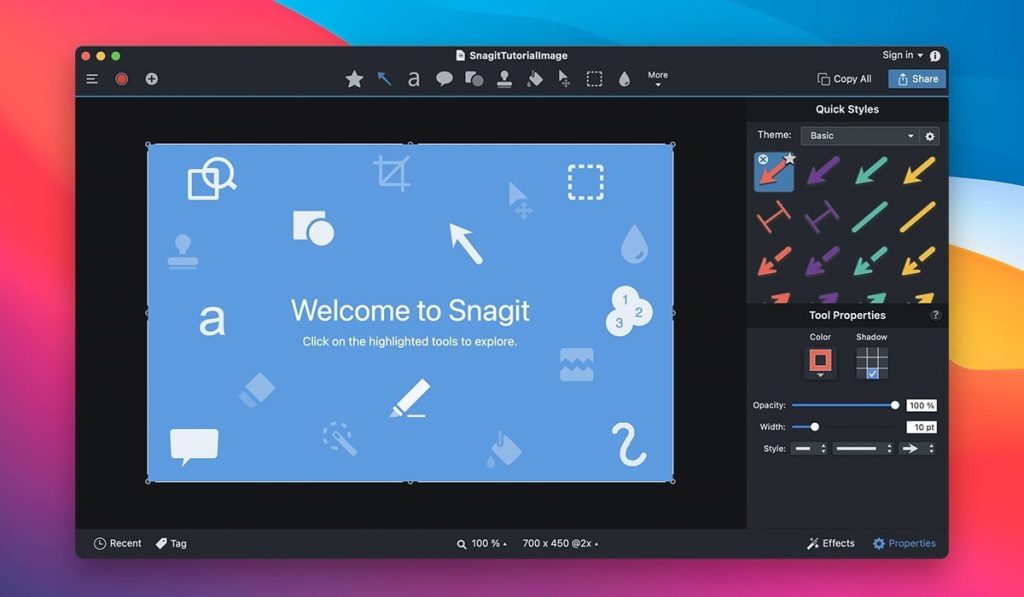
TechSmith Snagit provides a set of convenient tools for editing captured images. The product allows users to highlight specific elements of a captured image by pointing to them with an arrow labeled with the appropriate caption. Users can also apply shadow, highlight, or darken specific areas of the image, and combine multiple images into a collage.
TechSmith Snagit allows you to send captured images to a user-specified email address, post them to a blog or FTP server, and publish them to Microsoft Office Project, MindManager, and OneNote projects. The format of the resulting images is user-defined. TechSmith Snagit supports virtually all graphic formats, both common and uncommon.
TechSmith Snagit automatically tracks and organizes images captured with it, saving and sorting them in dedicated Snagit libraries. The product allows users to easily search for a specific object among the program’s saved images. Searches are performed by file creation date or by source (desktop, website, etc.). TechSmith Snagit creates folders for storing images and allows you to manage the process of placing specific files in the desired folders. Keyword tags can be assigned to saved images for easier future searching.
Program features:
- • All-in-one capture lets you select the entire screen, a region, a window, or scrolling windows with a single keyboard shortcut or click.
- • Ability to preserve rounded corners of an image.
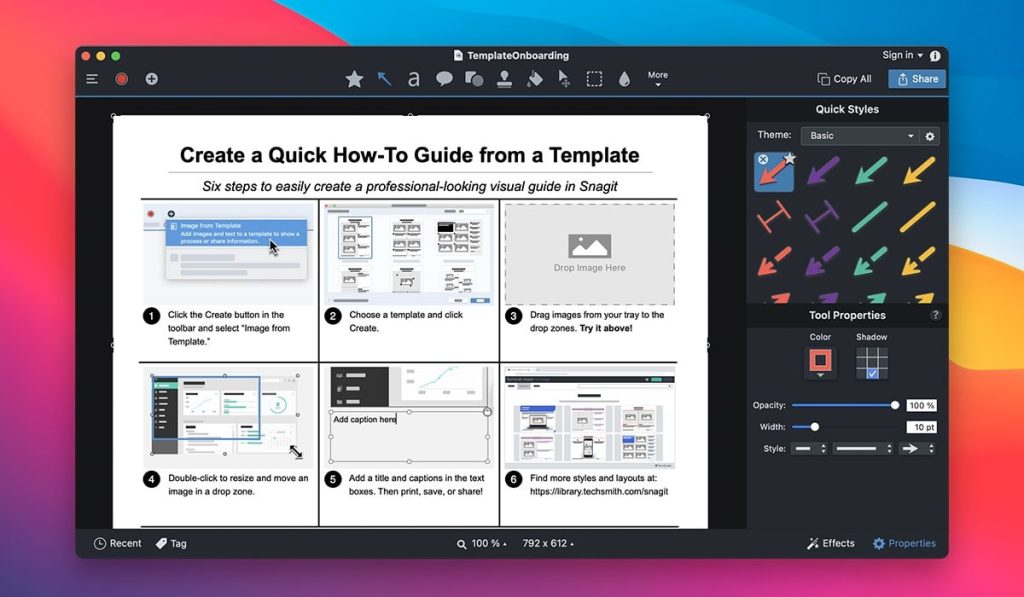
- • Ability to process the captured object in the built-in editor, equipped with a new ribbon interface, with support for batch file processing.
- • Closer integration with the screencast.com service has been implemented, quickly loading images to the website.
- • Manage and share items in your personal online storage.
- • Possibility of posting thumbnails of images on websites with a link to the source.
- • Improved auto-scrolling function – automatic movement of the captured area when scrolling the page.
- • The magnifying glass tool has been updated.
- • Added a function for formatting captured text – capturing text directly from a web page.
- • Possibility of deleting part of the image.
- • Added the effect of creating a curled page corner.
- • Added the ability to change the background.
Compatibility: macOS 14.0 or later
Homepage https://www.techsmith.com/
Screenshots