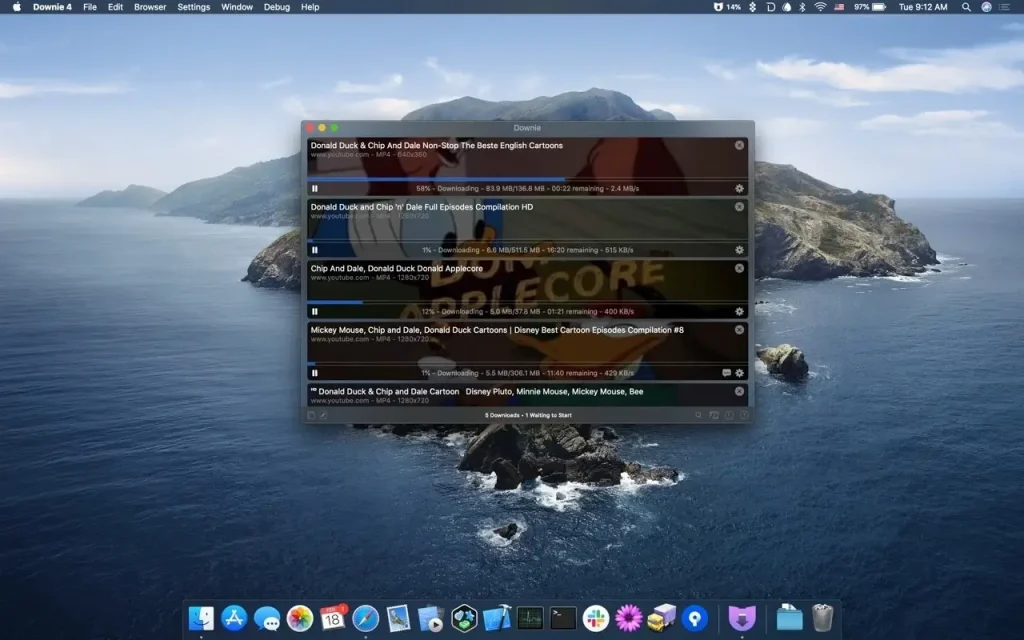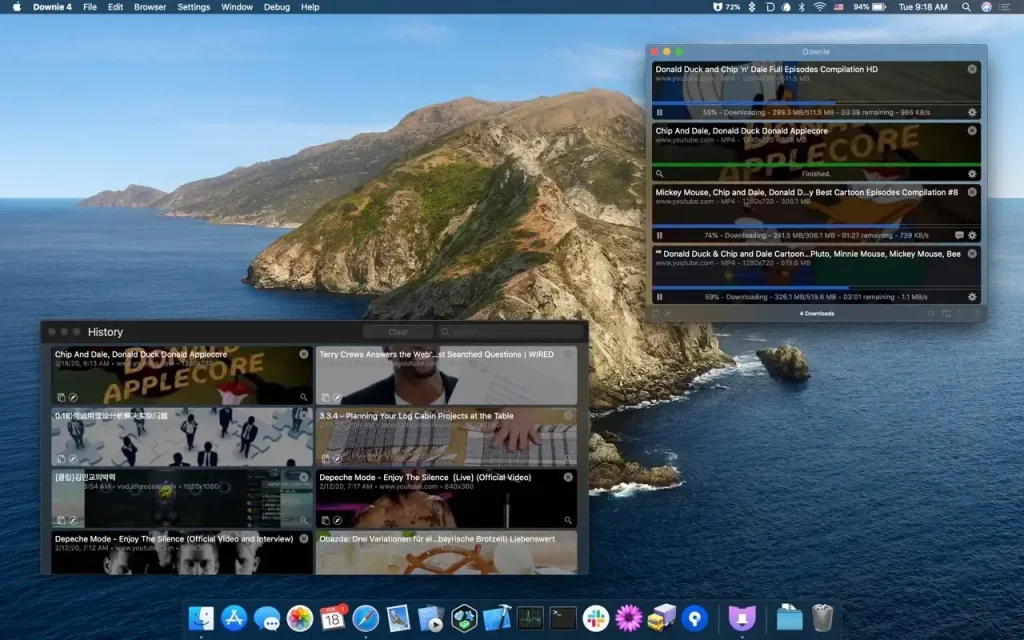
Downie 4.12.4 for Mac
Downie Find the video you want to download, then drag the link into the app, or simply take advantage of the App browser extension, which will do the rest. That’s literally all you need to do to get a video on your Mac. Downie will help you download YouTube videos and save video content from thousands of other sites, including Facebook, Vimeo, and Instagram. It’s simple and fast, so you’ll get the job done in seconds, without getting bogged down by unnecessary features.
Downie Key Features
Download videos from YouTube
App helps you download videos from YouTube, Vimeo, Facebook, Instagram, and over 1,200 other websites. If there’s a video on a webpage, you can rely on Downie to save it to your Mac.
Search directly in the video downloader
You don’t need to switch between App and your browser to find the content you need. Simply enter your query into the app’s search bar, and it will quickly find the video for you.
Save 4K videos from YouTube
Unlike many other YouTube downloaders, App can handle even 4K videos. This means you can download high-quality, high-resolution videos from YouTube and any other website online.
Download MP4 or audio only
If you don’t need the entire video file, App can save just the audio track. Or, if you only need the MP4 video, you can configure Downie to convert it automatically.
Just drag and drop the URL
App is brilliant in its simplicity: copy and paste or drag and drop the video URL, and it will start downloading automatically. Even if the page contains text or any other content, Downie will detect the video and save it for you.
Post-processing with Permute
App integrates seamlessly with Permute, a powerful media converter. To convert a downloaded video to another format or merge its parts into a single file, simply send it to Permute and retrieve the result.
Compatibility: macOS 10.12.6 or later
Homepage https://software.charliemonroe.net/downie/
Screenshots