Name: Capture One 16.7.8.16 [TNT] Pro
Size: 1.23GB
Files: Capture One 16.7.8.16 [TNT] Pro.dmg[1.23GB]
Capture One Pro 16.7.8.16 for Mac
Capture One Pro Designed with the world’s most discerning photographers in mind, Capture One is the professional choice for imaging software, supporting over 500 cameras from Canon, Nikon, Sony, Fujifilm, Phase One, and many more.
Capture One Pro is one of the most powerful professional RAW digital photo converters, supporting a wide range of modern cameras. It allows you to convert files on the fly to full-size TIFF (RGB/CMYK) and JPG formats in single and batch modes, adjust white balance, effectively process overexposed and underexposed images, fine-tune sharpness, and remove color noise.
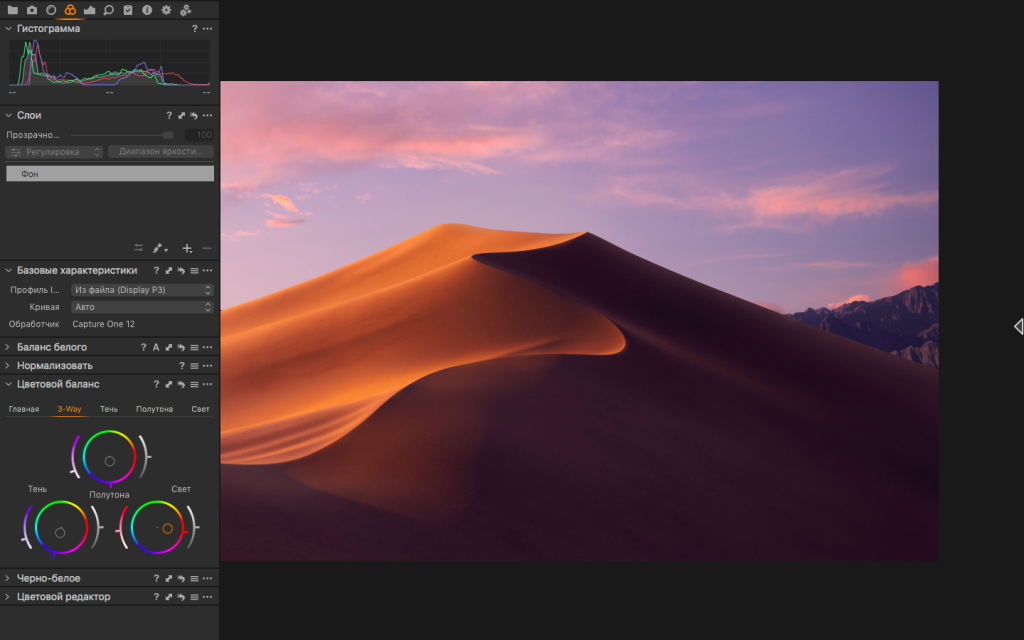
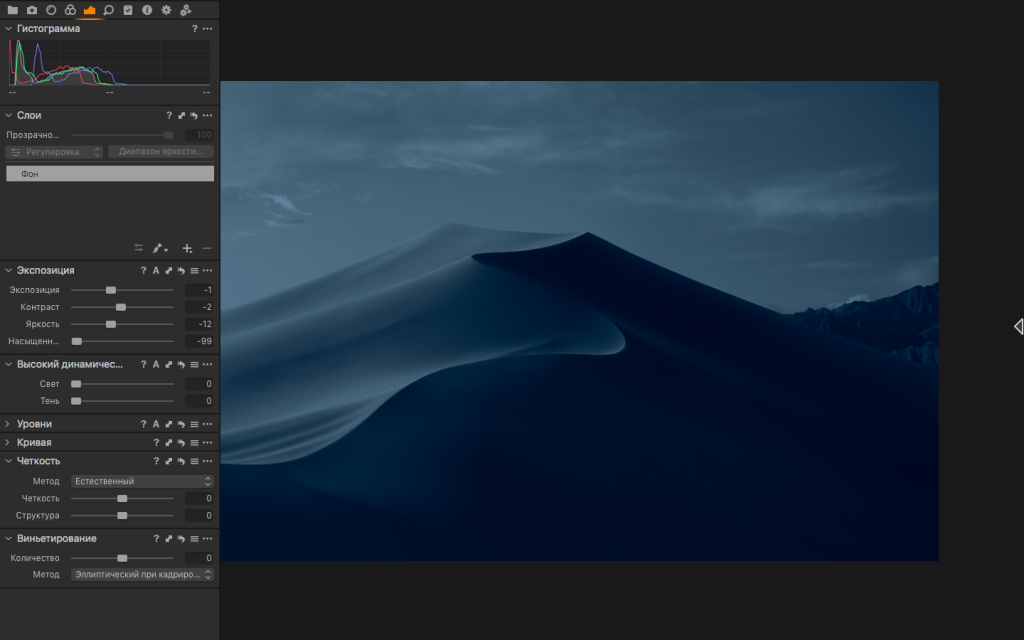
Capture One Pro allows you to apply multiple adjustments to the same image. The original RAW file is used as a template, not the result of previous adjustments. The workspace is divided into several areas, the number of which is equal to the number of adjustments on the original digital negative. White balance is adjusted using the color temperature and tint controls. You can also select scene modes, which are common in many cameras. You can also use the eyedropper tool. A neutral gray point is indicated on the photo, from which the white balance is adjusted.
Highlights of the Capture One 16.7 generation
Capture One Pro Major items introduced in the 16.7.0 line include:
- Combine Masks with Add / Subtract / Intersect logic
- Portrait retouch additions such as eyes and teeth tools
- Blemish removal / even skin extended to the neck area
- Clothes masking inside People Masking
- Contact Sheets for faster review and selection
- HSL readouts for clearer color decisions on set
- PSB (large Photoshop) support in the workflow
- Fujifilm Live View improvements (focus cursor, drive/focus tools, respecting in-camera crops)
- New camera / tether coverage as listed for 16.7.0 (e.g., additional bodies and tether modes—see official notes for your brand)
What changed in Capture One 16.7.8
According to Capture One’s 16.7.8 changelog:
- General: fixed a rare case where export to PSD with “Crop to Path” could produce an incorrect crop.
- macOS: fixed a rare issue where further adjustments to an EIP could behave unexpectedly; fixed a crash in the Export window under specific conditions on macOS 14 Sonoma.
Who it is for
Studios shooting tethered on location, product teams batch-processing RAWs, and retouchers who want precise local adjustments, repeatable grades, and export pipelines that stay tied to the original capture.
Compatibility: macOS 13.3 or later,
Homepage https://www.phaseone.com/
Screenshots