Name: Compressor Creator Studio 5.2 [atb].dmg
Size: 111.96 MB
Files: Compressor Creator Studio 5.2 [atb].dmg [111.96 MB]
Compressor 5.2 Multilingual macOS
Compressor tightly integrates with Final Cut Pro to add customizable output options, distributed encoding, and advanced delivery features. With support for 360° video, HDR, HEVC, and MXF, it’s the most powerful and flexible way to export Final Cut Pro projects.
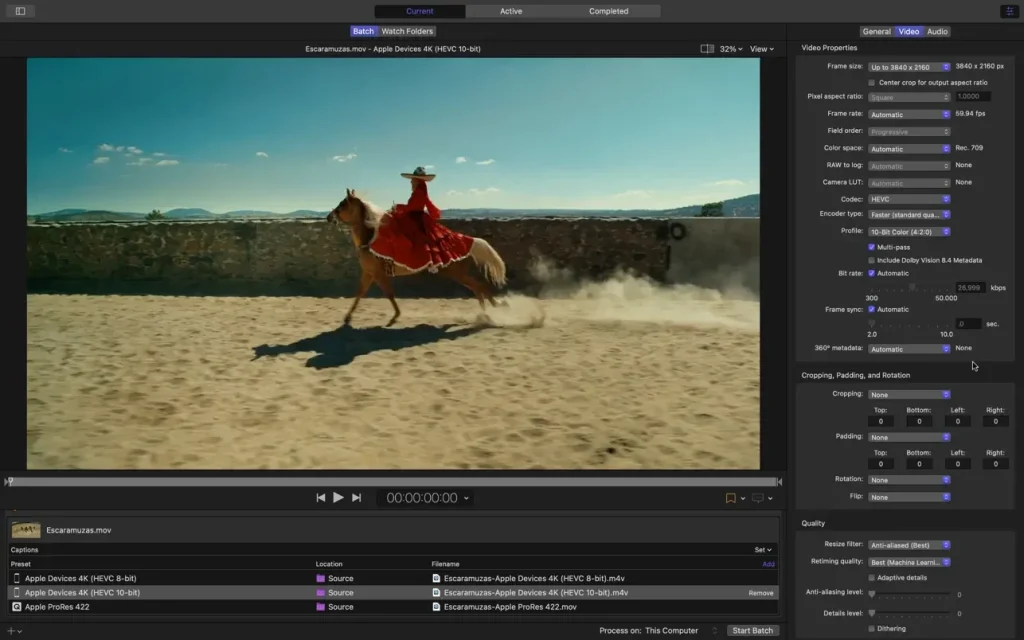
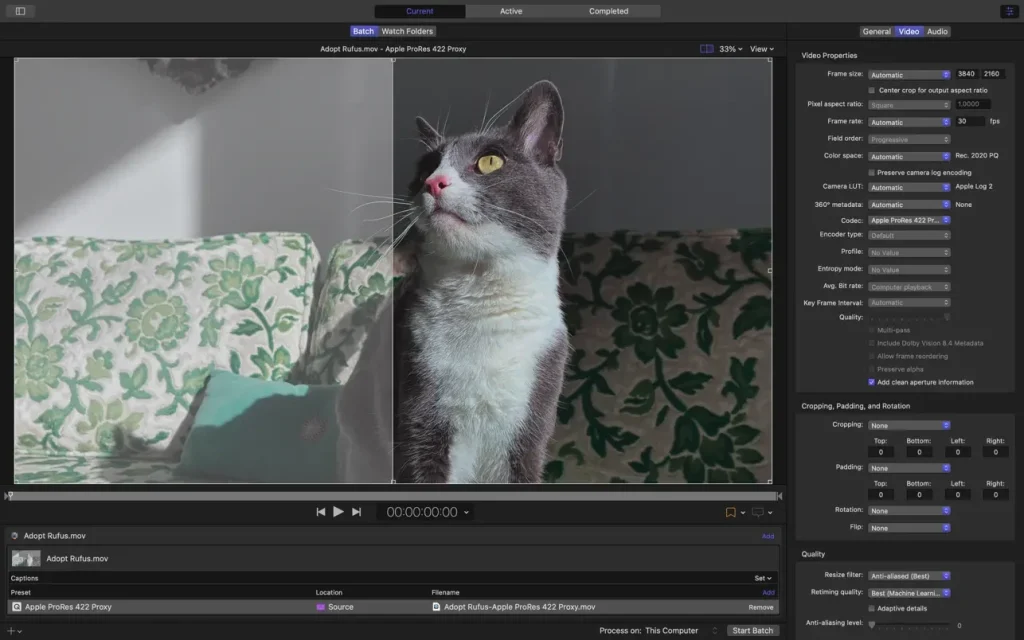
The sleek interface matches Final Cut Pro and makes navigating compression projects easy. View encoding settings in the left sidebar and open the inspector to quickly adjust advanced audio and video properties. Your file appears in the center, directly beneath a large viewer that lets you preview and navigate your file.
Compressor leverages the rendering engine from Final Cut Pro and Motion to ensure consistent speed and quality across applications. It utilizes hardware encoders for H.264 and HEVC, distributes work across multiple CPU cores on your Mac, and utilizes the high-speed GPU on your graphics card to accelerate image processing tasks.
Whether you’re customizing an existing Compressor setting in Final Cut Pro or creating a completely new one, you can share your results with other Final Cut Pro editors, even if they don’t have Compressor installed on their systems. You can also create assignments that combine an encoding setting with a post-encode action to automate tasks like emailing, copying and moving files, or running a custom script.
Distributed encoding features are built into Compressor, eliminating the need for a separate app. Simply install Compressor on any Mac on your network and activate it as a cluster node for distributed encoding.
Encode jobs without specialized hardware using preconfigured groups of Mac computers on your network. The “Shared Computers” feature establishes clusters of encoding nodes based on the availability of assigned computers. It can even utilize idle processor cores on a single computer, harnessing the full computing power of multi-core systems.
Distributed Encoding
- Save time by distributing encoding work among multiple workstations
- Install Compressor on any Mac to activate it as a node for distributed encoding
- Speed up encoding in Final Cut Pro by choosing a group of shared computers for exporting
- System Requirements: macOS 12.6 or later, 4GB of RAM (8GB recommended for 4K editing, 3D titles, and 360° video editing), Metal-capable graphics card, 1GB of VRAM recommended for 4K
- editing, 3D titles, and 360° video editing, 1.2GB of available disk space. ProRes RAW requires a Mac computer that supports Metal.
Blu-ray recorder required for burning Blu-ray discs.
Language: English, French, German, Japanese, Simplified Chinese, Spanish
Compatibility: macOS 15.6 and later, ARM , x86 (64-bit)
Homepage https://itunes.apple.com/us/app/compressor/id424390742
Screenshots