
Name: SideNotes 1.6.1 [EDiSO]
Size: 18.94MB
Files: SideNotes 1.6.1 [EDiSO].dmg[18.94MB]
Version: 1.6.1 | Release: May 2026 | OS: macOS 13.0+
SideNotes 1.6.1 SIP ON For Mac
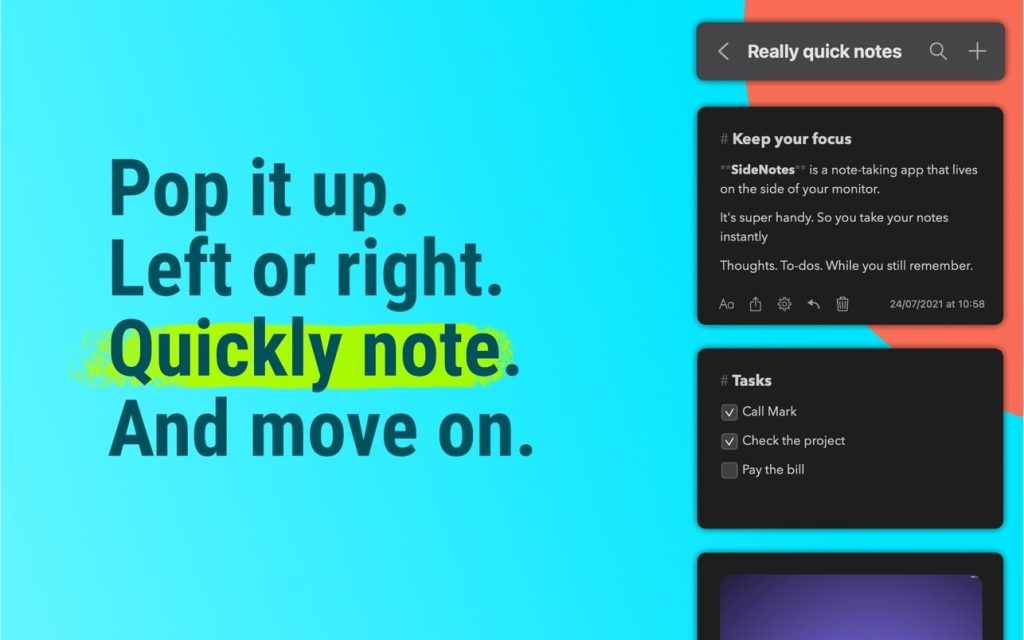
SideNotes stops you from wrestling with windows every time you need to check a note. The app stays on top of everything else on your screen and slides in from the side with a single click or keyboard shortcut. You can even handle everything through the keyboard alone without reaching for the mouse at all.
With SideNotes you can:
- slide your notes in from the edge of your screen and tuck them away just as quickly
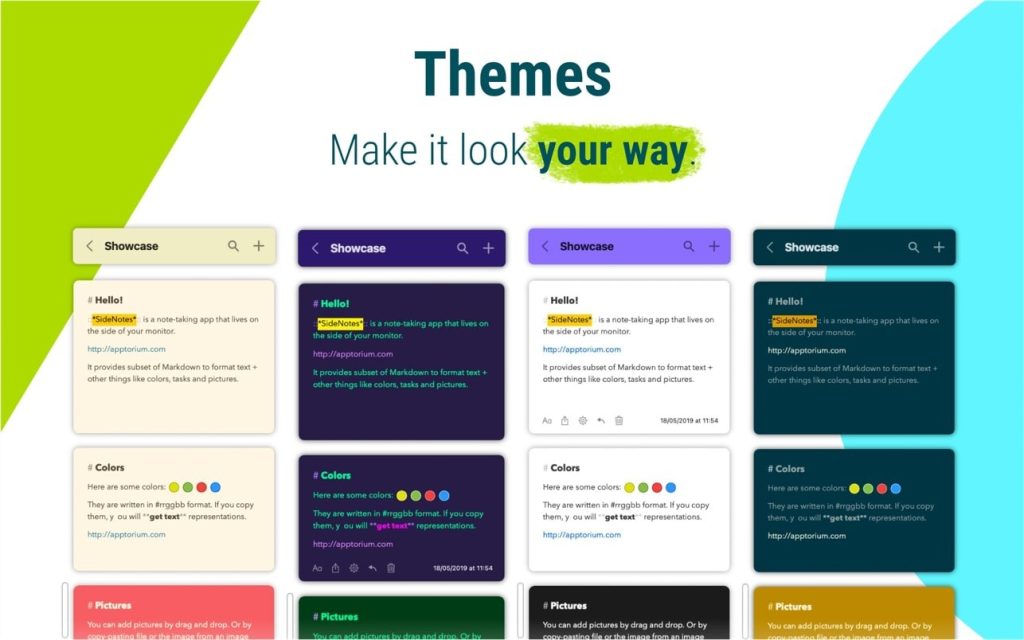
- color code notes and sort them into folders
- drag and drop images directly from your browser
- store links, code snippets, or even color values
- build task lists and check things off as you finish them
- create notes straight from your clipboard
- drop in text files or entire folders
- write in Markdown, Plain Text, or Code depending on what you need
*** You need to disable the System Integrity Protection (SIP) to perform the selected Application.
Compatibility: macOS10.14 or later
Homepage https://www.apptorium.com/
Screenshots
⚖️ Pros & Cons Show details ▼
✅ PROS
- ✅ Lives on screen edge — always accessible without switching windows
- ✅ Full keyboard shortcut support for distraction-free workflow
- ✅ Supports Markdown, Plain Text, and Code modes in one app
- ✅ Pin and fold notes to keep workspace clean and organized
- ✅ One-time payment of $19.99 — no subscription required
- ✅ 100% private — no analytics, no telemetry, notes stay on device
❌ CONS
- ❌ macOS only — no Windows or Linux version available
- ❌ Requires macOS 13 Ventura or later — older Macs excluded
- ❌ No free version — trial only, full app is paid
- ❌ Can conflict with Hot Corner in Open Bar mode
- ❌ SideNotes 2 will be a separate paid upgrade
✅ What’s New in 1.6.1
Show details ▼
- ✅ NEW: Pin notes and folders to keep important items on top
- ✅ NEW: Fold notes to collapse and reduce visual clutter
- ✅ NEW: Quick Formatting Toolbar for faster text editing
- ⚡ IMPROVED: Settings window completely redesigned from scratch
- 🔧 FIXED: Note colors not applying when background was disabled
FAQ for SideNotes 1.6.1 SIP ON 7 questions
Does SideNotes stay visible while I work in other apps?
Yes, SideNotes is designed to float on top of all other windows at all times. Whether you have your browser, code editor, or any other app in the foreground, SideNotes remains accessible without you needing to switch windows or interrupt your current task.
Can I use SideNotes without a mouse?
Yes, SideNotes is built with full keyboard support from the ground up. You can open and hide the panel, navigate between notes, create new ones, and edit content entirely through keyboard shortcuts.
What text formats does SideNotes support?
SideNotes gives you three writing modes: Markdown for structured notes, Plain Text for simple writing, and Code mode for saving snippets with proper formatting intact.
Can I organize my notes into categories?
Yes, you can assign color labels to individual notes and group notes into folders to separate different projects, topics, or workflows.
Does SideNotes support task lists?
Yes, SideNotes has built-in task list support. You can create a checklist inside any note and tap items to mark them done as you work through them.
How do I create a note quickly without typing it out?
SideNotes lets you create a note directly from your clipboard. Whatever you have copied — a link, text, code snippet — can be turned into a note instantly without breaking your flow.
Can I save things other than text in SideNotes?
Yes, you can drag and drop images, save website links, store code snippets, save color values, and even drop entire text files or folders directly into the app.
