Name: Color Folder 5.2 MAS [TNT].dmg
Size: 23.1 MiB
Files: Color Folder 5.2 MAS [TNT].dmg.AppmacOs
Color Folder Pro 5.2 for Mac
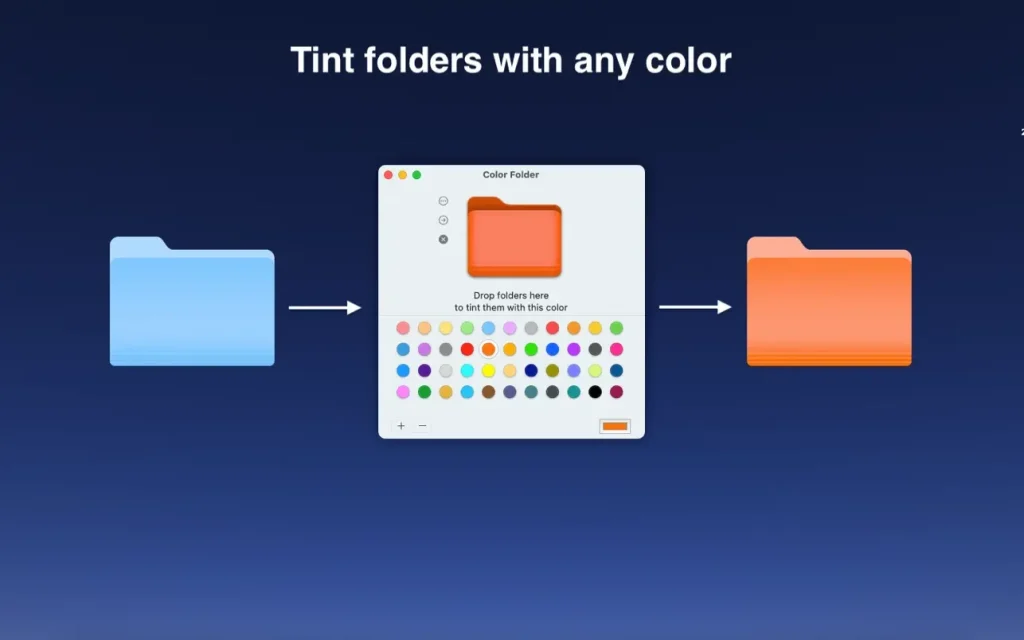
Color Folder Pro is a macOS customization utility that helps you personalize folder icons for a cleaner, more organized workspace. It is ideal for users who want to identify projects faster and reduce visual clutter in Finder.
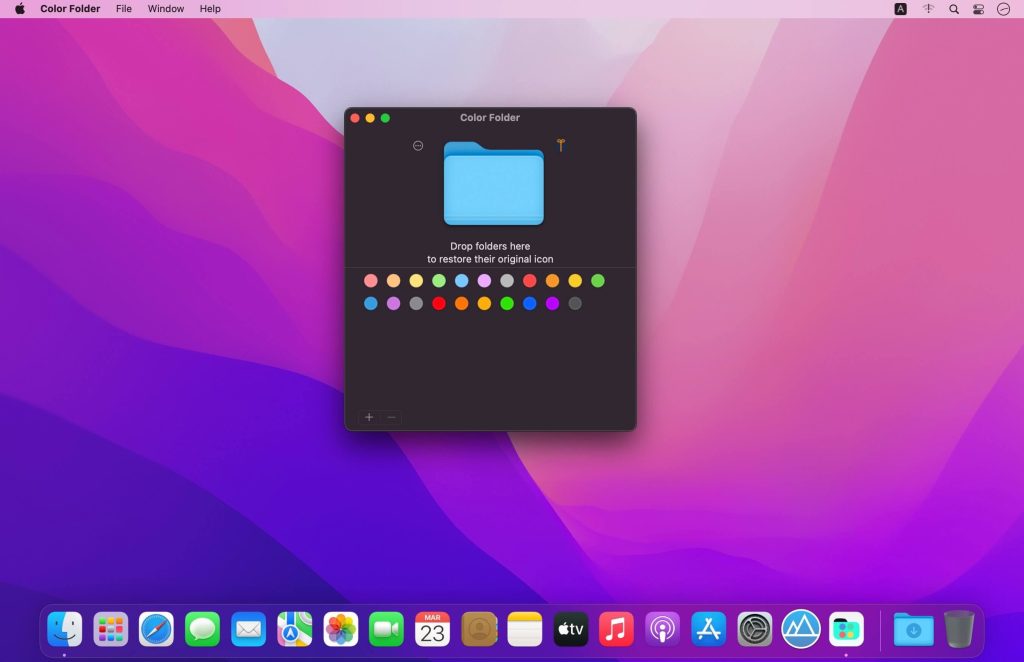
Color Folder can help you to change the icon of folder quickly, and to manage folders more efficiently
By assigning colors, icon styles, and visual markers to folders, the app makes navigation more intuitive—especially in large file structures used for design, development, study, or content production.
Why Color Folder Pro is useful
- Faster visual organization: assign custom folder colors to separate work areas at a glance.
- Improved Finder clarity: make important folders stand out without renaming every directory.
- Cleaner workflow: build consistent color systems for projects, clients, or file types.
- Simple customization: apply icon styling quickly with a user-friendly interface.
- Productivity boost: spend less time searching and more time working with clearly grouped files.
Key features:
- – quickly change the color of the folder icon
- – select any image to set as a folder icon
- – support for changing multiple folder icons at the same time
- – save as icon
- – provides a lot of icon templates (more than 700+)
- – support for any color to change folder icons
Version details
- App: Color Folder Pro
- Version: 5.2
- Platform: macOS
- Category: Tools & Utilities / Finder Customization
Top In-App Purchases : Pro Version – included.
Compatibility: macOS 10.13 or later
Homepage https://apps.apple.com/app/color-folder-custom-icons/id1502255391
Screenshots