Name: CleanClip_2.4.6__EDiSO_.dmg
Size: 20.6 MB
Files: CleanClip_2.4.6__EDiSO_.dmg [20.6 MB]
CleanClip 2.4.6 fix macOS
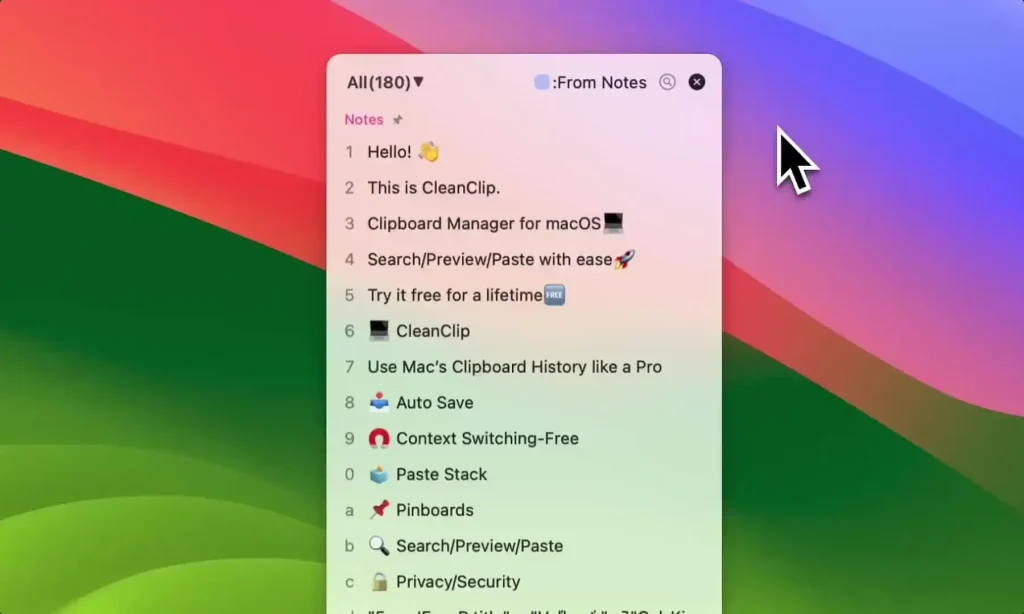
CleanClip : Clipboard manager for macOS! Simple yet powerful.
Peculiarities:
Automatically save copies
CleanClip No need to worry about losing important content.
Easy to use
⌘ + ; raise, 0-9 insert, incredibly smooth.
Full Format
Support various proprietary formats, save template content of your favorite applications.
Easy Management
Endless bookmark lists and smart lists help you easily manage your content.
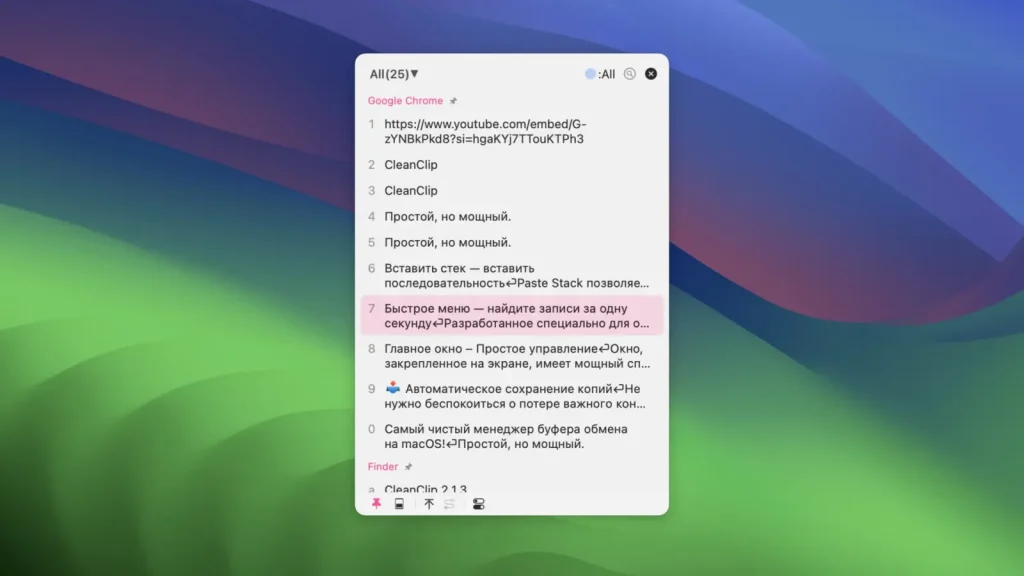
Quick Menu
Quickly find and use entries in 1 second without leaving your keyboard.
Paste in order
Paste Stack allows you to quickly paste content in order.
Follow App Frontend Mode
Automatically display copied content from the current app, improving efficiency in certain scenarios.
Unlimited Collection Lists
Each category of content that needs to be reused can have its own place.
Powerful Smart Lists
Multiple intelligent filtering methods help you quickly organize and filter specific content.
Main Window – Easy Control
The window pinned to the screen has a powerful bookmark list and smart list.
Follow the frontmost app
Contents can automatically follow the changes of the frontmost app and view the app’s clipboard history at any time.
Exclusive collection space for every app
Many apps don’t provide a good bookmarking feature, CleanClip gives it to you.
Smart lists
Smart filtering of elements by conditions.
Collection Lists
You can create unlimited bookmark lists to save different content.
Quick Menu – Find entries in one second
Designed specifically for keyboard operations, this quick window appears and disappears at the input position at any time.
Menu without context switching
A menu that appears where you type solves the annoying problem of interrupting your thoughts caused by context switching.
Preset Insert Format
Once you set the format, all elements will be inserted according to the specified format.
Quick Insert Format
Press and hold the content index number to open the format menu.
Mark your frequently used content
Press the quick menu shortcut ⌘ twice to view your favorites, no need to remember new keyboard shortcuts.
Paste Stack – Paste Sequence
Paste Stack allows you to quickly paste content in order.
Paste in Order
When the paste stack is open, the copied content will automatically be pushed onto the stack, and ⌘V will insert the next item onto the stack in order.
Gather Information
Gather content from multiple pages and insert it all at once onto a landing page, streamlining the process and saving time.
Quick Form Fill – Split Copy
Use ⌘⇧C “Split Copy” to directly split multiple lines into multiple items and copy them to the insert stack.
Help filling out a form
Using the paste stack can help you fill out forms by copying and pasting in order.
Screenshots