Name: ACDSee_Photo_Studio_26.0.2_AppmacOs.com.dmg
Size: 441 MB
Files: ACDSee_Photo_Studio_26.0.2_AppmacOs.com.dmg [441 MB]
ACDSee Photo Studio 26.0.2 macOS
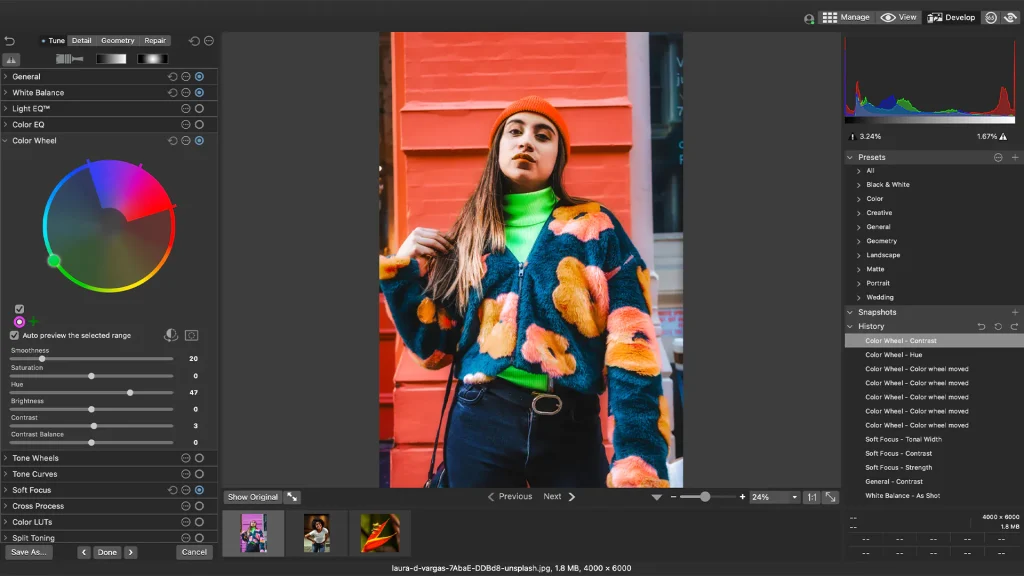
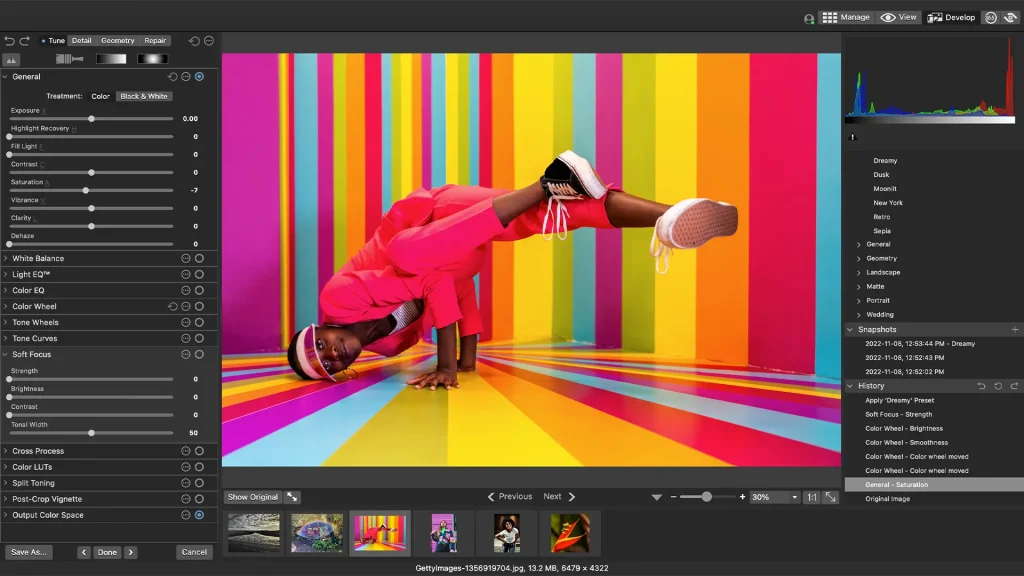
ACDSee Photo Studio is one of the best solutions for working with graphic images on a Mac. High-quality photo processing, streamlining every aspect of the workflow, saving users time, effort, and money—ACDSee Photo Studio delivers all this.
Flexible organizational tools to suit any workflow, lightning-fast non-destructive adjustments, drag-and-drop search, smooth, customizable batch presets, and RAW support for over 450 camera models are just some of the features that make ACDSee Photo Studio for Mac a must-have image editing software for macOS.
With ACDSee Photo Studio’s powerful RAW processing engine, you can transform raw sensor data into compelling digital art. Built-in RAW support allows you to parametrically adjust exposure, clarity, sharpness, lighting, color, noise, detail, and more.
Create your own photo management rules with comprehensive tools for navigating, searching, sorting, and sharing. Sort by date, rate images to track your best work, and set categories and keywords using a method that works for you. Organize your collection, find duplicates to save space, view and edit EXIF and IPTC information, and insert your own metadata. Identify individual images for further processing using customizable color labels and visual tags.
More Ways to Control Your Collection
- Improved Browser History Support – Hold down the Back button to view a list of your Recently Browsed Folders.
- Easy-Select Tabs – Select or deselect multiple folders and subfolders using the Easy-Select Tabs along your file tree.
- Direct Access to iCloud Drive – Easily backup and share files on your iCloud drive directly through ACDSee.
- Improved Keyword Management – Frequently-used keyword sets come pre-loaded in the latest version, and established keyword lists can be imported and exported.
- Saved Searches – Create searches based on criteria you choose, and access those results with a single click at any time.
What’s New:
Version 26.0.1:
- Release notes were unavailable when this listing was updated.
Compatibility: macOS 14.0 or later
Homepage https://www.acdsee.com/en/index/
Screenshots