Name: Adobe Bridge 2026 v16.0.3 macOS_AppmacOs.dmg
Size: 3.78 GB
Files: Adobe Bridge 2026 v16.0.3 macOS_AppmacOs.dmg [3.78 GB]
Adobe Bridge 2026 v16.0.3 (x64) Multilingual
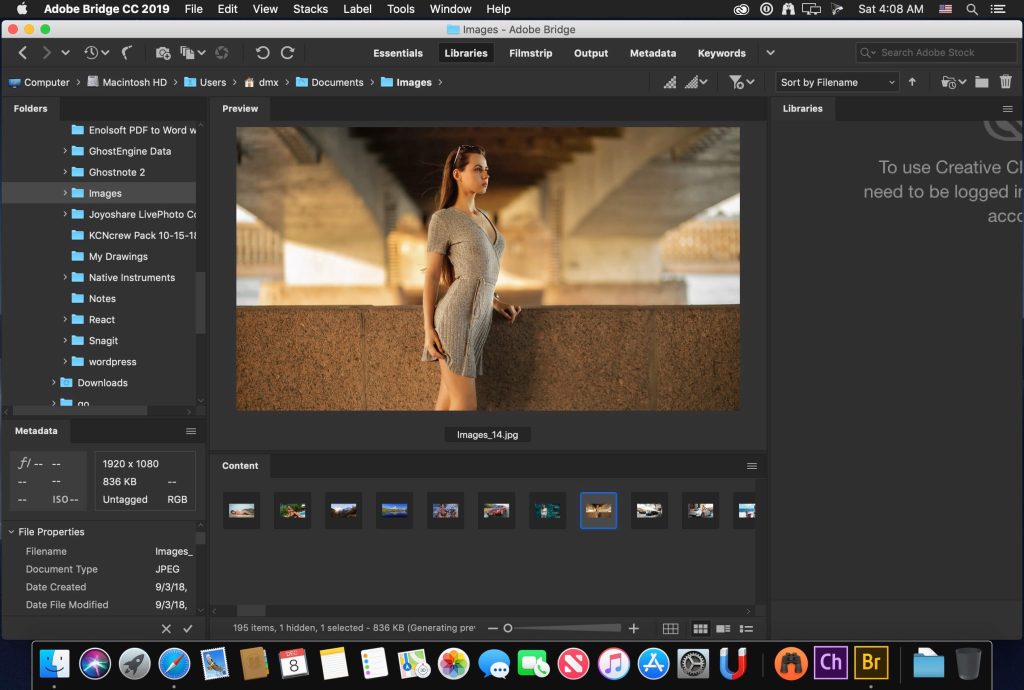
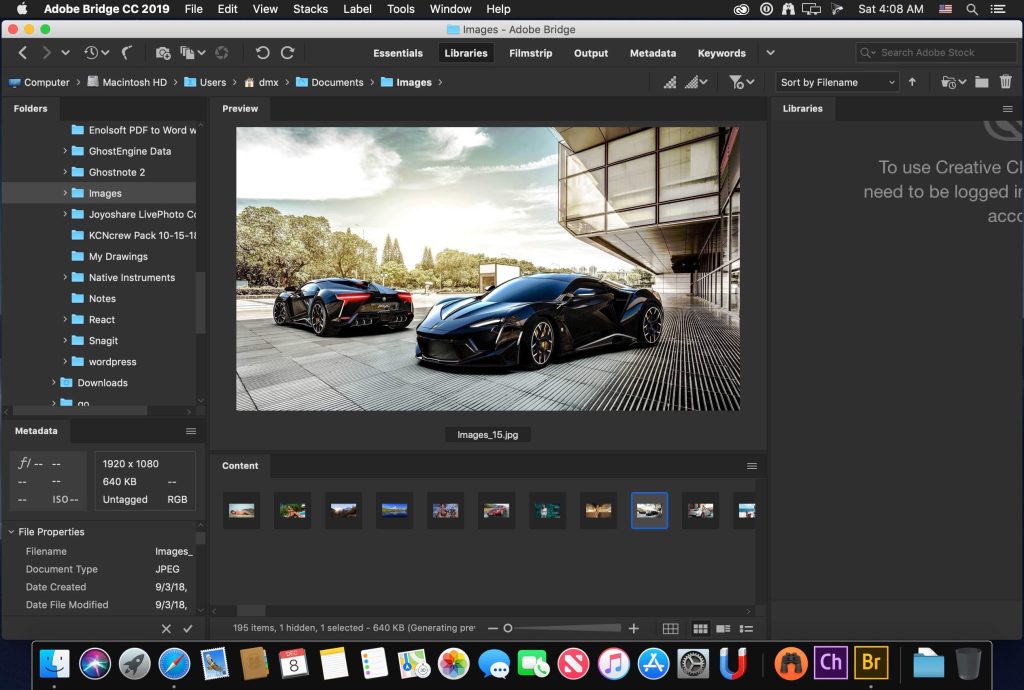
Adobe Bridge is a powerful creative asset management tool that lets you quickly and easily browse, select, organize, edit, and publish multiple assets. You can edit metadata, add keywords, tags, and ratings to assets, organize assets into collections, and find assets using powerful filters and advanced metadata search features. You can also manage libraries and publish to Adobe Stock directly from Bridge.
Bulk export with the new export panel
Adobe Bridge Use the Export panel to bulk export images in JPEG, DNG, PNG, and TIFF formats. The Output workspace lets you export creative assets to PDF contact sheets. And the Publish panel lets you publish multiple assets to Adobe Stock and Adobe Portfolio at once.
Powerful preview and selection workflows
Visualize all your creative assets with thumbnails, enhanced previews, and zoom features. Organize your assets with tags, ratings, metadata, and keywords. Use advanced filters, collections, and search to find the assets you need. Edit assets by opening them directly in Adobe Creative Cloud applications.
New video features in Bridge
Scrolling video thumbnails when hovering over the Bridge Content panel. Storyboarding with manual sorting of multiple video assets in Bridge and adding them directly to a Premiere Pro sequence for editing. Output video in various formats and video merging in Adobe Media Encoder directly from Bridge.
Comprehensive photo management
Import and preview RAW images. Convert to DNG. Powerful Adobe Camera RAW and Photoshop editing capabilities from Bridge.
Features
- Bulk import, export and preview CC Libraries assets
- Edit photo capture time
- Export/ Import network cache
- Native PDF Output Module
- Easy upload of images to Adobe Stock so you can get royalties for your work
- Support for Retina and HiDPI displays with the ability to scale
- Automated cache management
- Publishing to Adobe Portfolio to build your personalized website
- Quick organization and stacking of panoramic and HDR images
- On-demand thumbnail and metadata generation
- Option to import photos and videos from your mobile device or digital camera on macOS
- Support for CEP HTML5
- Flexible batch processing
- Drag-and-drop file flexibility
- Centralized color settings
Language: Dansk, Deutsch, English, Español, Français, Hebrew*, Hungarian, Italiano, Nederlands, Norwegian, Polish, Português (Brasil), Suomi, Svenska, Turkish, Ukrainian, čeština, Русский, 日本語, 简体中文, 繁體中文, 한국어]
Compatibility: macOS 11.0 or later
Homepage https://www.adobe.com/
Screenshots