Name: Canvas_X_Draw_26.0.1.dmg
Size: 274 MB
Files: Canvas_X_Draw_26.0.1.dmg [274 MB]
Canvas X Draw 26.0.1 for Mac
Canvas X Draw is technical illustration software for macOS. Our macOS solution, Canvas X Draw, delivers unrivaled functionality in a single, powerful application designed for essential illustration and documentation workflows.
Canvas Draw is a powerful software specifically designed to make it possible for small business owners, designers, illustrators, and professionals to advertise and communicate with confidence. It helps you to visualize your workflow with a diverse content creation tool able to combine adaptable text, image, object, and effect elements in a single document. Canvas Draw 7 services the creation of mechanical documentation, including assembly, maintenance, and repair instructions.
Key Features:
Technical precision
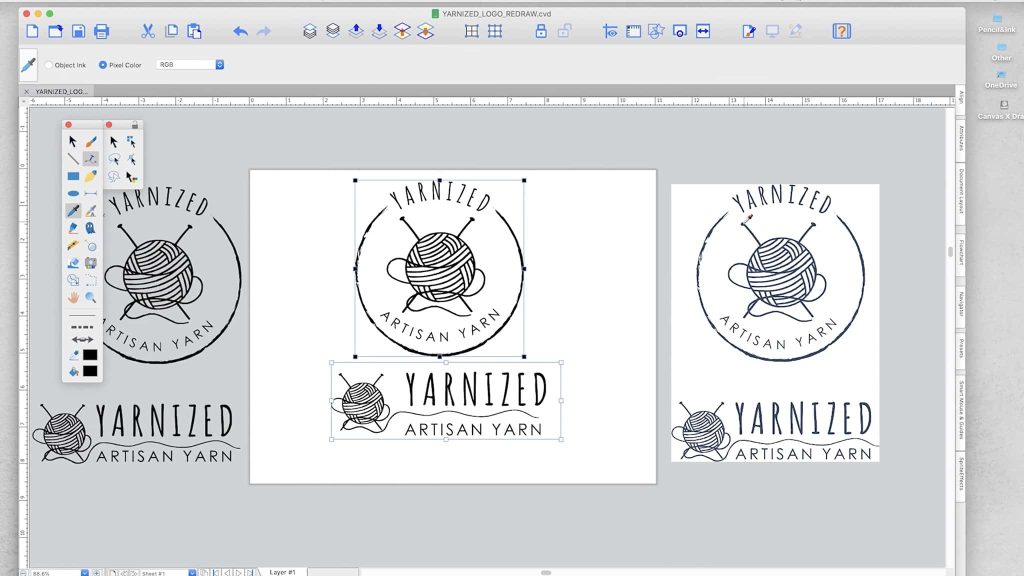
Create blueprints, floor plans, scale drawings, architectural designs, and other technical drawings with absolute precision. Snap objects to precise positions relative to each other, draw from center points, define scale, systematically align, display dimensions, add labels, callouts, or comments, create flowcharts, and more.
Creative influence
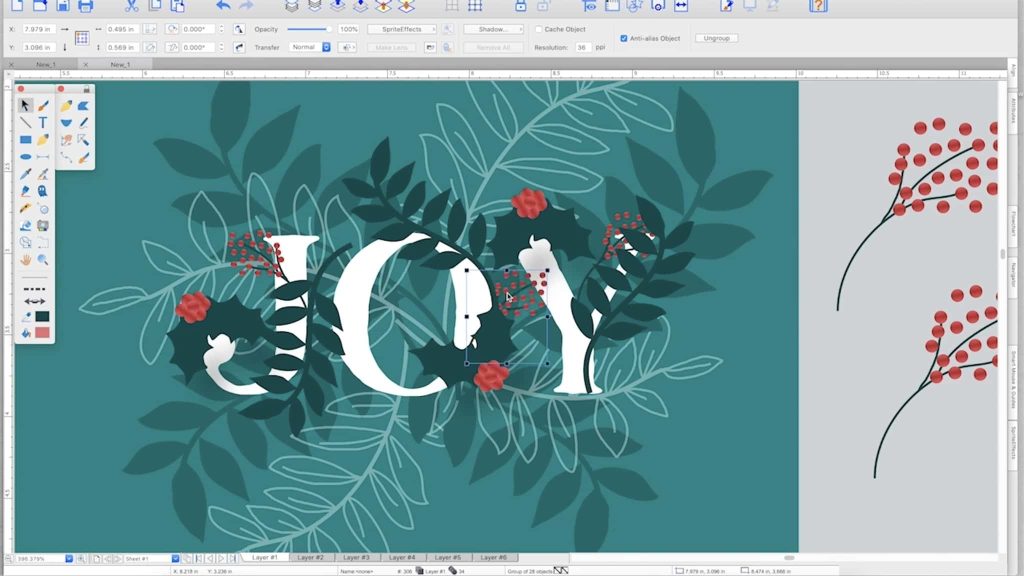
The integrated design environment of Canvas X Draw is ideal for marketers. With a comprehensive symbol set, wide file compatibility, and advanced editing tools, you can draw, select, retouch, color-correct, and clone within a single document to create stunning assets that will make your message stand out.
Mathematically precise
Canvas X Draw provides measurement tools that measure distances, calculate angles, confirm scale, connect objects with mathematical precision, and much more. All of this complies with industry standards and gives you complete control over units of measurement.
Multiple characters
Canvas X Draw comes preloaded with numerous commonly used and specialized symbols. You can also create your own symbol sets from any vector, text, composite, or drawing object and add them to the Symbol Library.
Digital drawing
Canvas X Draw offers a full palette of digital drawing tools, including markers, airbrushes, brushes, and tools for creating effects like neon and blends. And when in image editing mode, you also have full access to numerous filters and image effects.
Available data
Make complex data accessible and understandable with intuitive flowcharts. Create dynamic charts and tables with data imported directly into Canvas X Draw. Collaborate on layout and create beautiful presentations for a variety of audiences.
Compatibility: macOS 11.0 or later
Homepage https://www.canvasgfx.com/
Screenshots