Gemini 2.10.0 Multilingual macOS
Smart choice
Gemini scans your entire Mac for duplicates and pre-selects those that are safe to delete. This selection is based on a unique, intelligent algorithm, and instead of reviewing each file or folder individually, you can simply delete all duplicates with one click.
Images, music, videos
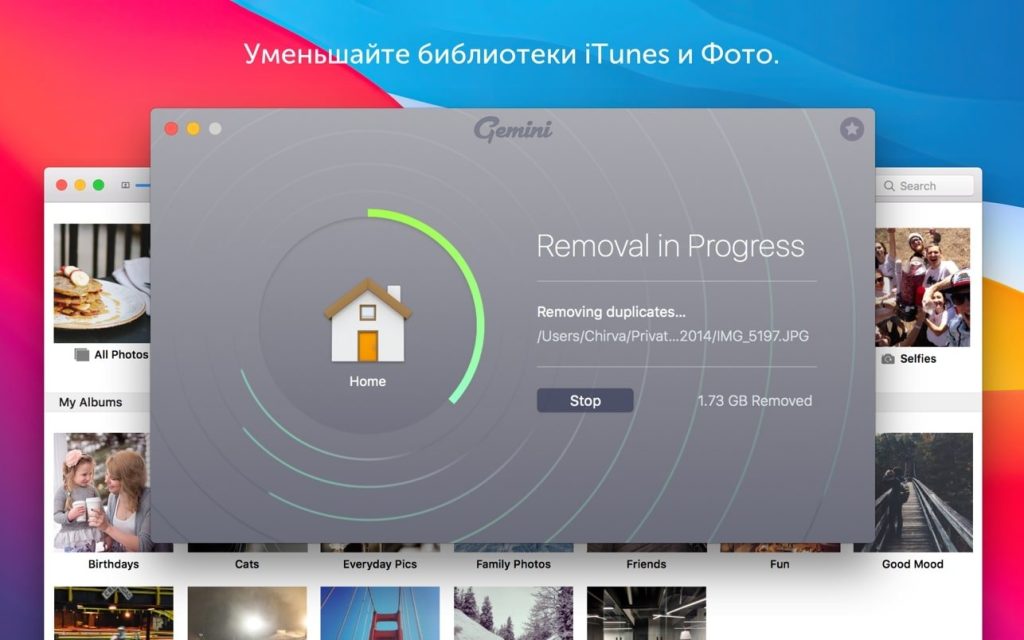
Gemini searches all types of files across all folders and libraries. For example, it will scan your iTunes, Photos, hard drive, old forgotten folders, and other places on your Mac where duplicates may be present. That’s why you only need one scan to find and remove all unnecessary files.
Not just duplicates
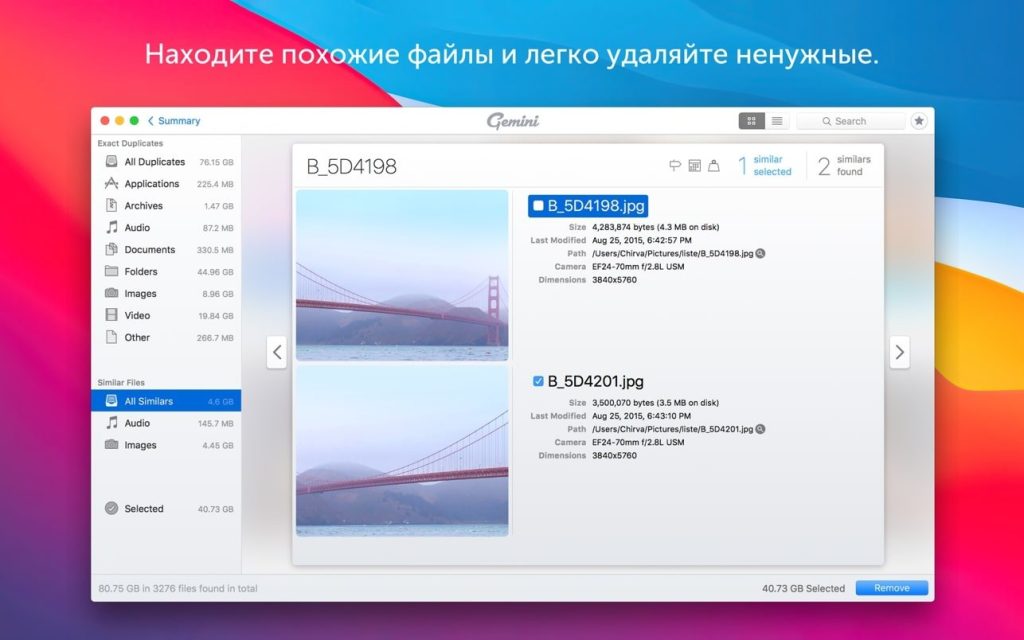
The coolest new feature in this application is searching for similar files. These can be images with similar content (shots taken at similar angles) or nearly identical files, which you probably don’t need all of.
Displaying results
To decide what to get rid of, you need to take a closer look at each file. Gemini 2 offers a neat interface with all your files ready to view at the click of a mouse. Select, group, and move duplicates in seconds. You can also easily switch between duplicates and similar files.
The algorithm is responsible for everything
The best feature of this duplicate cleaner is its self-learning algorithm.This Application recognizes and remembers files selected for deletion and will suggest these options during the next scan, saving you time. You can customize the settings to suit your needs.
Safe file recovery
Even if you accidentally delete a file you need, it’s not gone forever. You can view “Recently Deleted” and instantly restore anything mistakenly deleted to its original folders. Gemini is error-proof, so you can rest assured you won’t need any of the files selected by Smart Cleanup.
Compatibility: macOS 10.13 or later
Homepage http://macpaw.com/gemini
Screenshots