LaunchPalette – App Switcher 1.14.7 for Mac
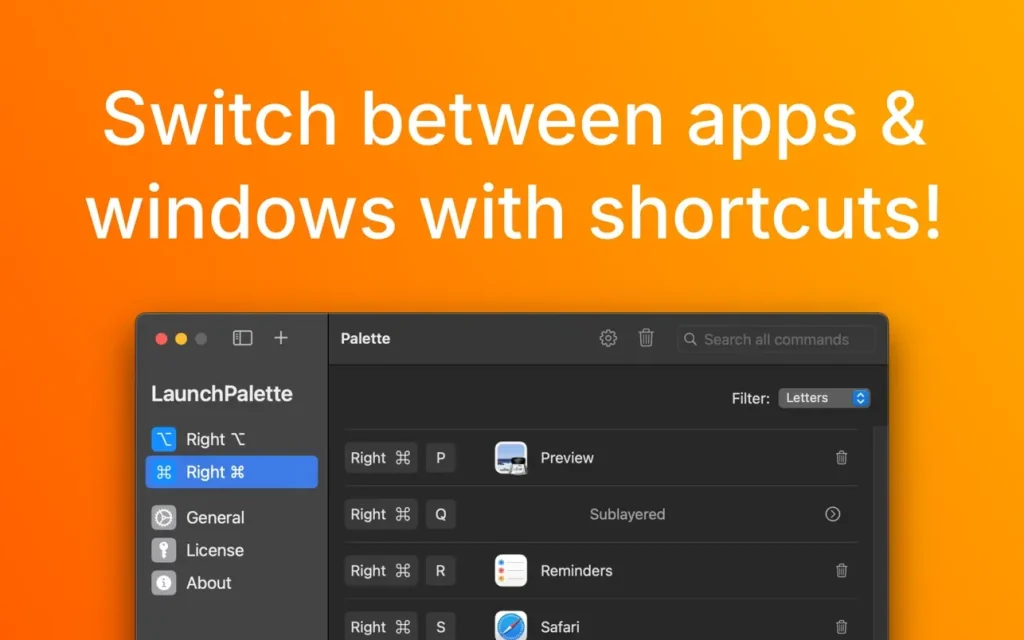
Switch between applications using keyboard shortcuts!
With LaunchPalette you can, for example:
- – Assign right ⌘ S to Safari and right ⌘ C to Calendar. (You can use left ⌘ as usual.)
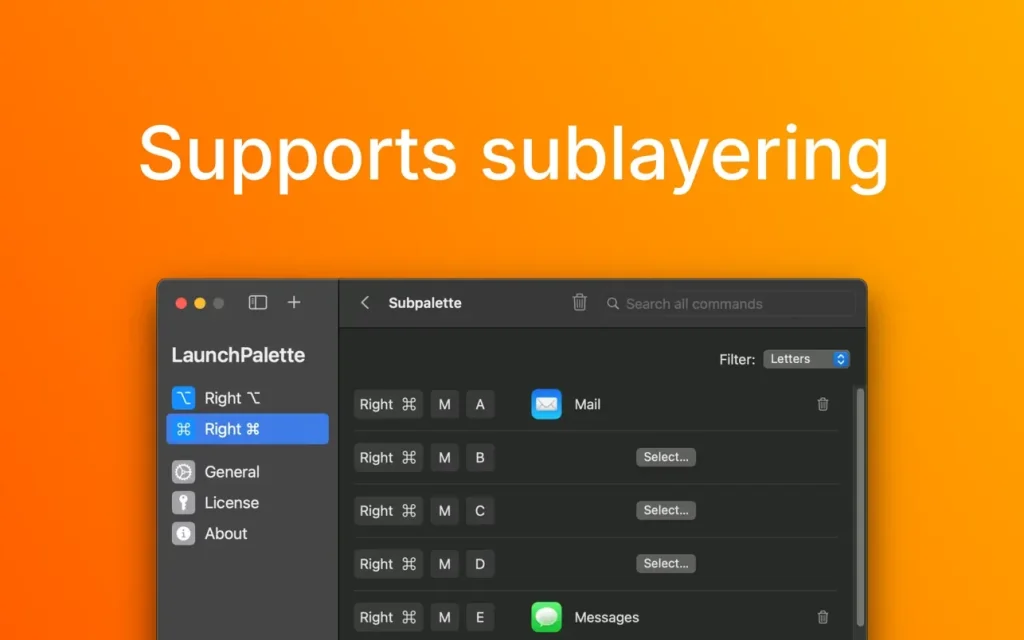
- – Assign right ⌘ M+A to mail and right ⌘ M+E to messages.
- – Focus on a specific project. (For example, right-click ⌘ X+L > Xcode LaunchPalette project and right-click ⌘ X+T > Xcode TabBack project).
- – Hide the edge app (or cycle through its windows in the order they were used) by tapping its shortcut again.
- – Change the modifiers (⌃, ⌥ and ⌘) or create additional palettes with other modifiers.
- – Run AppleScript scripts and shell scripts.
- – Safely rename or move registered items on your computer; LaunchPalette will automatically reflect the changes.
Homepage: https://seungwoochoe.github.io/
ScreenShots