Name: Multitouch_1.41_AppmacOs.com.dmg
Size: 11 MB
Files: Multitouch_1.41_AppmacOs.com.dmg [11 MB]
Multitouch 1.41 macOS
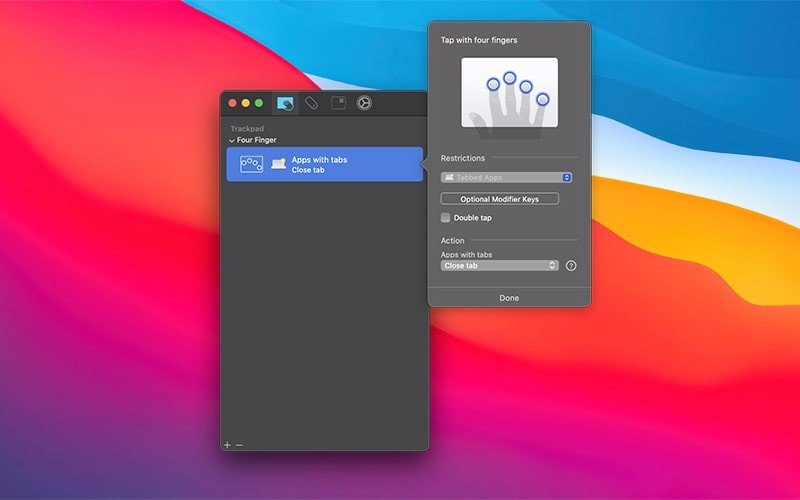
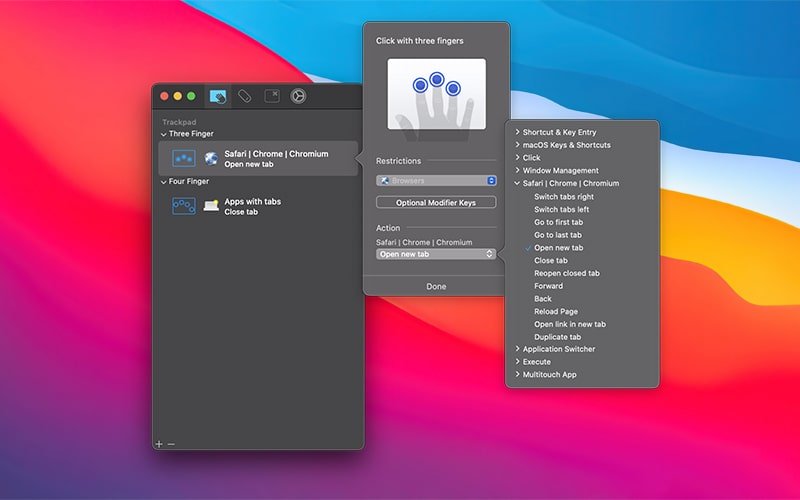
Multitouch (formerly TouchOven) associates a custom action with the Magic Trackpad or Magic Mouse. For example, a three-finger click can perform a paste action. Enhance your workflow by using keyboard shortcuts, managing browser tabs, performing a middle-click, and more.
Record keystrokes or paste text into a Multitouch application
Sometimes you have tedious tasks that require you to simply enter the same text in a bunch of different places, and copying and pasting just isn’t enough. Multitouch now offers two options to help: keystroke recording and text pasting. Both of these options can be bound to a gesture or keyboard shortcut.
If you’ve used this app before, setting up either one should be fairly straightforward. Both can be selected under the “Keyboard Shortcuts & Key Input” category. To record keystrokes, start by selecting the text area that appears and then enter the keystrokes on your keyboard. To “Insert Text,” simply paste the desired text into the text area.
A few things to know about recording keystrokes:
When entering keystrokes, you just need to be aware that this is not regular text input – it will record every keystroke, including backspace.
Additionally, modifier flags are recorded even if you can’t see them in the text area. This means it can act as a sort of composite keystroke recorder, although that’s not the intended purpose. It’s also worth noting that recorded keystrokes will play back without a delay, regardless of the time it takes to enter the keystrokes. If you execute a configured gesture/shortcut for the keystroke recorder, you’ll notice that all keystrokes are played back sequentially, rather than all at once.
What’s New:
Version 1.41:
- Release notes were unavailable when this listing was updated.
*** You need to disable the System Integrity Protection (SIP) to perform the selected Application.
Compatibility: macOS 10.15 or later
Homepage https://multitouch.app/
Screenshots