One Switch 1.35.4 macOS
Decorate your interface
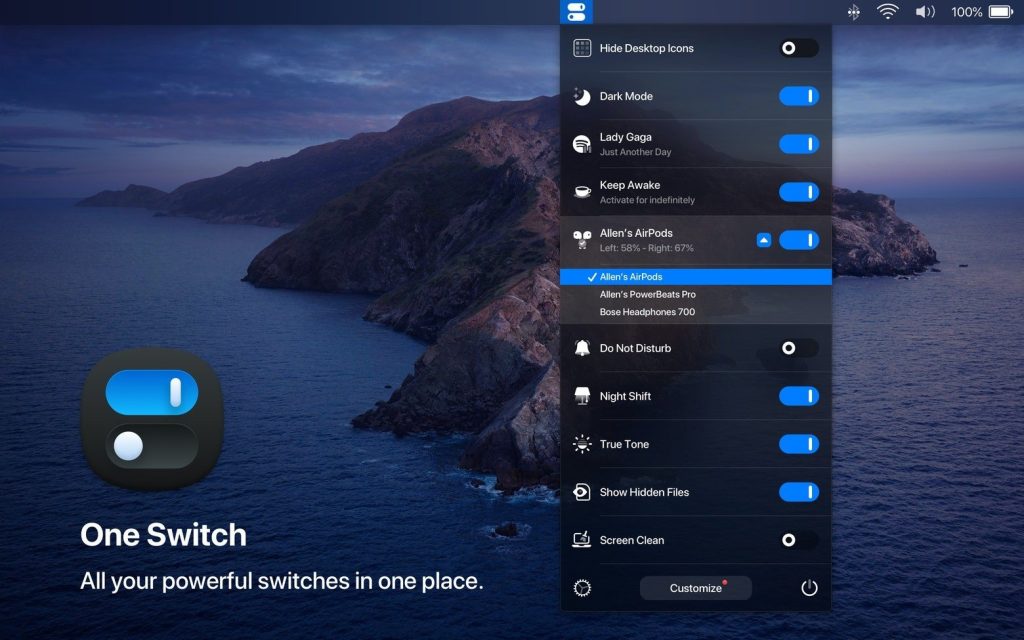
By placing the app in the menu bar, it not only avoids distraction but can also enhance the user interface. Designed for macOS 10.14 and above, The application looks great in both light and dark themes. You can easily switch between the two modes or set it to automatically change throughout the day.
Clean up your desktop
One Switch is perfect for instantly hiding and showing desktop icons. If you want to take a screenshot and your desktop isn’t very tidy, or you just like a tidy look, the app has a switch for that too. Clear your desktop of clutter with just one click.
Connect AirPods
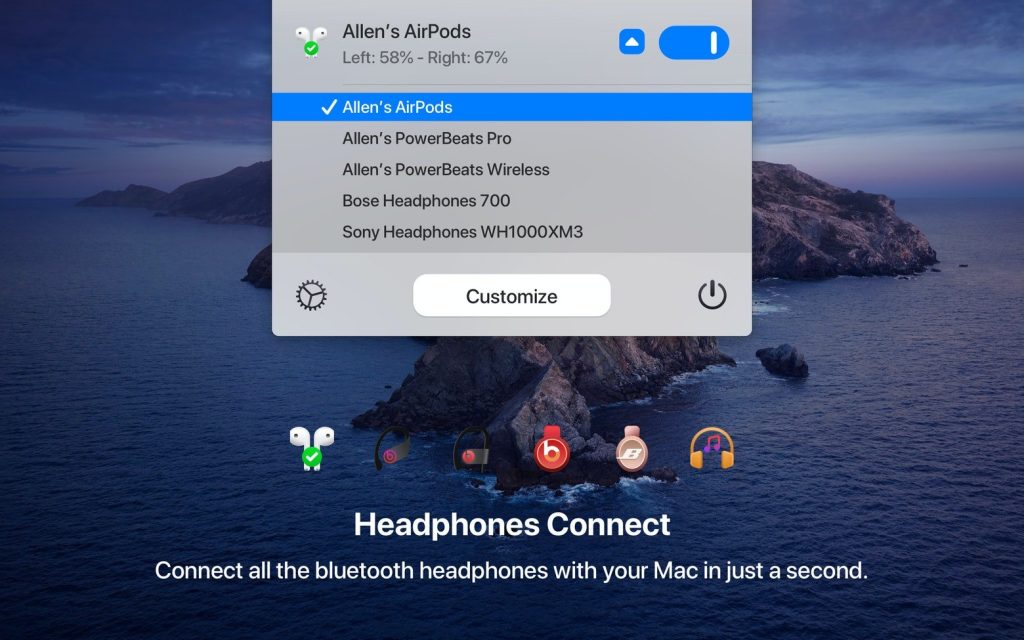
Setting up Bluetooth headphones on your Mac requires at least five steps. With One Switch, it’s just one. Instead of opening Preferences, you can click AirPods in the menu bar, and One Switch will instantly connect to your device.
Monitor your Mac’s performance
Don’t waste your Mac’s battery life. With One Switch, you can put your computer to sleep or set automatic wake and wake times. The app also includes a screen saver toggle, allowing you to manually enable it if needed.
Interference away!
Set and manage your Mac work hours without distractions. Switch to Do Not Disturb mode or customize your quiet hours in the same menu. One Switch automatically mutes notifications so they don’t appear on your screen.
Set the switching pattern
One Switch supports seven switches simultaneously, with more coming soon. If you don’t need all of them in the menu bar, you can disable them in Settings—accessible by clicking the Customize button in the app’s drop-down menu.
What’s New:
Version 1.35.4:
- Release notes were unavailable when this listing was updated.
Compatibility: macOS 10.15 or later
Homepage https://fireball.studio/oneswitch/
Screenshots