Name: PixelStyle_Photo_Editor_4.5.0_AppmacOs.dmg
Size: 122 MB
Files: PixelStyle_Photo_Editor_4.5.0_AppmacOs.dmg [122 MB]
PixelStyle Photo Editor 4.5.0 macOS
PixelStyle Photo Editor easily edits photos and images and creates original, unique works of art. It features dozens of high-quality filters and useful editing features similar to those found in PS software, such as selection, copying elements or layers, transformation, color selection, painting with hundreds of brushes, image resizing, gradient fill, scratch removal, cropping, erasing, bucket fill, cloning, smudging, alpha channel editing, and much more.
With a state-of-the-art photo processing engine, PixelStyle Photo Editor quickly processes high-quality photos and delivers stunning results instantly on your Mac.
You will get many great features from PixelStyle Photo Editor:
– Useful photo editing tools:
- PixelStyle Photo Editor Text Tool: Change the text settings to bold, italic, and kerning and draw text along a path.
- Image editing tools: clone, smudge, alpha channel editing, crop, paint fill, gradient fill…
- Red-eye removal tool.
- RGBalpha and Alpha Channel editing tools.
- Drawing tools with adjustable pressure sensitivity: Basic Drawing, Pixel Drawing, and Texture Drawing.
- Free transformation tools: scale, move, resize, rotate, skew, straighten and free perspective transform.
- Multipath selection and editing tool.
– Photo settings:
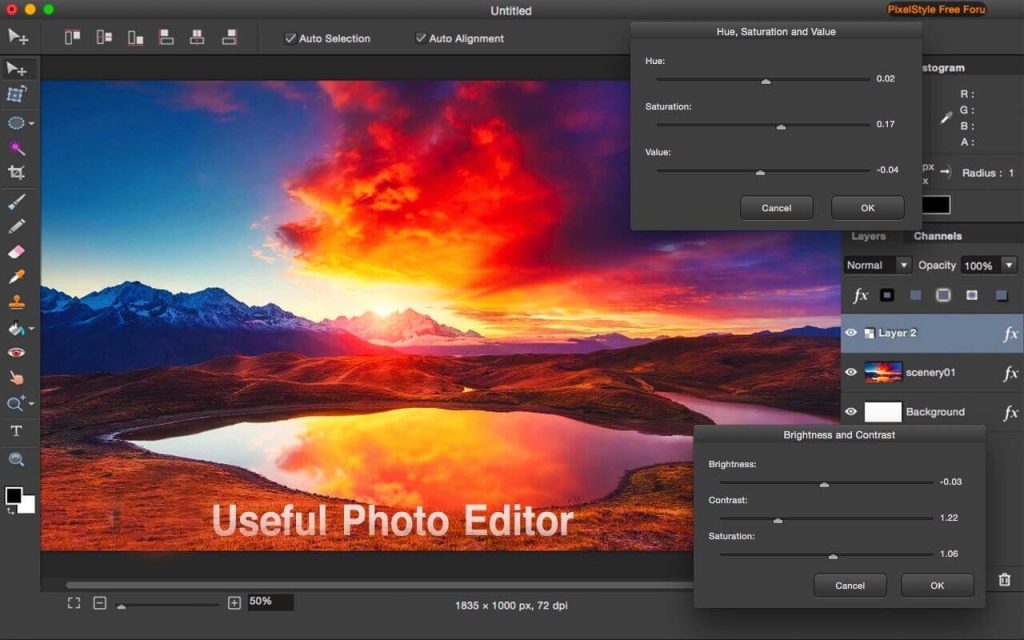
- Brightness adjustment
- Contrast adjustment
- Hue adjustment
- Saturation and value
- Adjusting the white point
- Monochrome
- Color scheme
- Conversion to grayscale
- invert
- Bending
- Gamma adjustment
- Posterization
- Sepia
- Threshold
– Layer system:
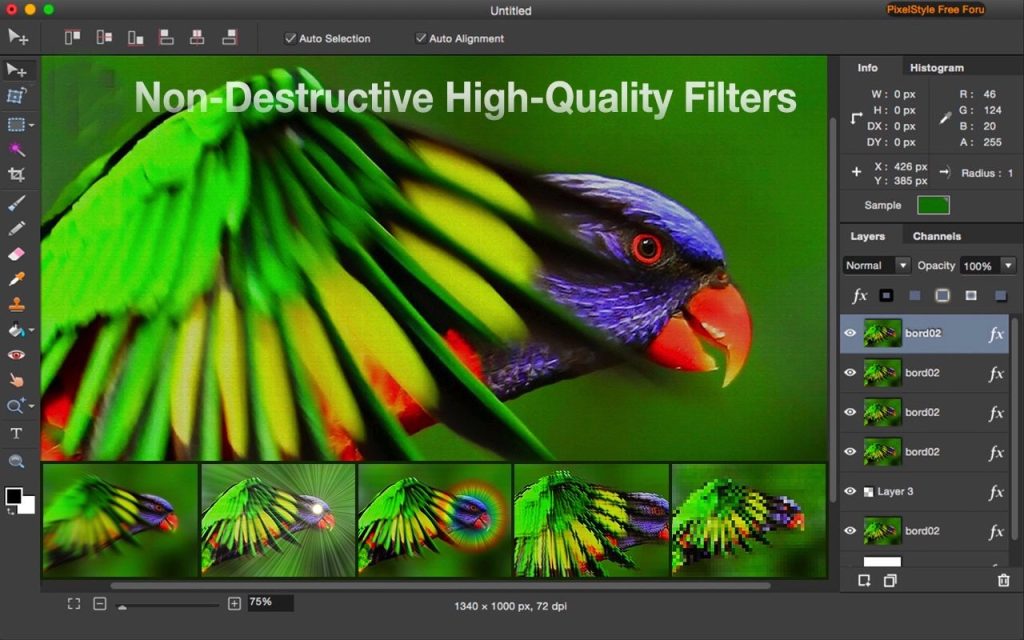
- Non-destructive layer effects: Strokes, Inner Glow, Outer Glow, Shadows, Fills…
- Layer settings: Sharpness, Blur, Exposure, Saturation, Brightness, Contrast…
- Single layer: rotate, resize, move, align, arrange, integrate, scale, crop edges…
- Multi-level control: duplication and batch work.
– Flexible compatibility:
- Works with almost all popular formats: png, jpg, gif, bmp, pdf, svg, raw, heic, jpeg, tiff, pict…
- Export images in svg, pdf, bmp, png, tiff, jpeg, jpg, gif, jp2… formats
- Saving the file as a project for later editing.
- Rendering: Display alpha transparency and export files as PNG images.
– Dozens of high-quality filters:
- Recently added:
- Self-portrait matting.
- Erasing tool in drawing.
- Double-sided smooth
- Intelligent resizing
- Blur
- Gaussian Blur
- Blur
- Blur when zooming in
- Distortion effects
- Relief distortion
- Circle splash distortion
- Circular distortion
- Glass diamond distortion
- Distortion of the hole
- Pinch distortion
- Toroidal lens distortion
- Rotational distortion
- Vortex distortion
- Strengthen
- Contrast sharpness
- Sharpness
- Exposure
- Median
- Noise reduction
- Generate
- chessboard
- Halo
- Horizontal stripes
- Random number generator
- Spotlight
- Starry Shine
- Sun rays
- Vertical stripes
- Halftones
- Round screen
- CMYK halftones
- Dot screen
- Shaded screen
- Linear screen
- Stylization
- Blossom
- Colored edges
- Crystallize
- Bias distortion
- Edges
- Glass distortion
- Darkness
- Pixelation
- Pointillization
- Tile effects
- Kaleidoscope tiles
- Parallelogram tile
- Tile scaling and rotation
- Square tiles
- Triangular tile
- Perspective Tile
Compatibility: macOS 10.12 or later
Mac App Store http://apps.apple.com/app/photo-image-editor-pixelstyle/id1244649277
Screenshots