QuakeNotch 3.2 for Mac
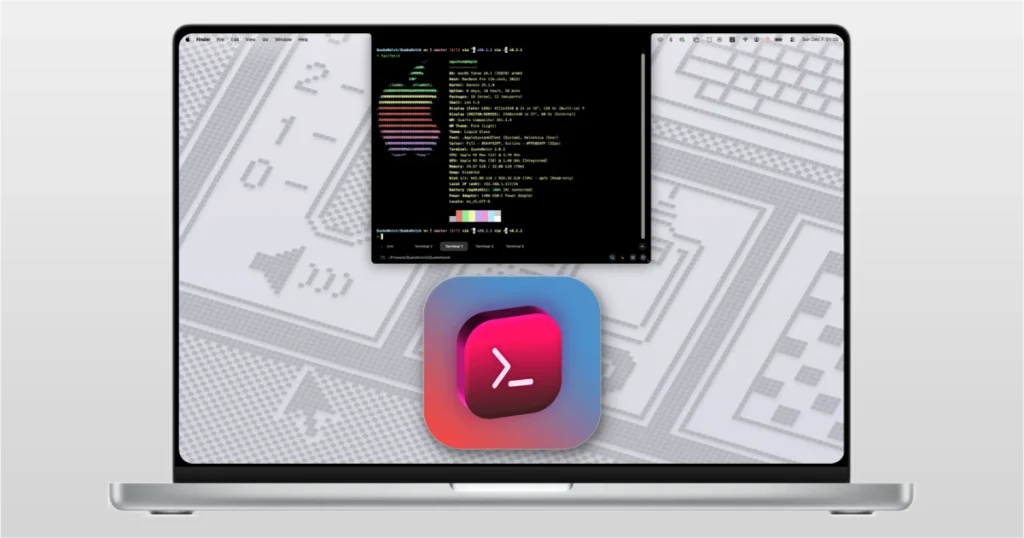
QuakeNotch is a Mac app that turns the area around your MacBook notch or camera housing into a Quake-style control surface: a full terminal that drops in from the top, Apple Music visualizations, and on-device QPilot assistance—aimed at developers and power users who want fast CLI access without leaving the flow of work.
Key Features:
- -Quake Terminal: The main feature is a drop-down terminal emulator that is called with a hotkey and appears directly from the screen cutout (in the style of classic consoles from the Quake game).
- – Apple Music Control: The program integrates with the music player, allowing you to view album covers, search for tracks, and control playback directly from the notch area.
- -AI Command Generator: Built-in artificial intelligence (runs locally on the device) converts natural language queries into terminal commands.
- -Progress monitoring: The application can display progress bars for CLI commands directly in the cutout area, without occupying the main workspace.
It is built for macOS 14+ class systems (per official distribution) and is positioned as GPU-accelerated and optimized for smooth animations and low-friction use.
What QuakeNotch does
- Quake terminal from the notch: run commands, scripts, and system work from a terminal that slides in from the top; supports multi-tab and split panes for a full terminal experience.
- QPilot (on-device): an AI helper that automates common tasks; processing is described as private on your Mac (data stays local per product messaging).
- Apple Music integration: browse library and playlists, with notch-based visualizations and multiple theme styles; macOS may request Music automation permissions on first launch.
- CLI progress in the notch: see real-time command progress, highlights, and progress-style feedback while long jobs run.
- Customization: themes, colors, shortcuts, fonts, effects such as Liquid Form dynamic notch and Liquid Glass-style UI elements on newer macOS releases.
Version & availability
- Version: 3.2
- Release date (official site): May 1, 2026
- Documentation: User Guide
Compatibility: macOS 12 and later
Homepage https://quakenotch.com/
ScreenShots