Name: RAR Extractor Max 13.3 MAS [TNT
Size: 12.9MB
Files: RAR Extractor Max 13.3 MAS [TNT.dmg[12.9MB]
RAR Extractor Max 13.3 for MacOs
RAR Extractor Max is an application that extracts dozens of compressed files. – Supports RAR, ZIP, 7Z, WINMAIL, TAR, GZIP, GZ, BZIP2, LZIP, ACE, ISO, PAX, PKG, APK, LBR, MSI, JAR, XZ, LZMA, BZ, LZH, CAB, CPIO, NRG, MDF, ZMA, ACE, ARJ, LQR, SPK, SWF, NSA, RPM, CPT and etc.
– Compress files into password-protected 7z and zip archives
MAIN CHARACTERISTICS
- – Extraction from all types of archives (more than 60 formats).
- – Unzip encrypted archives.
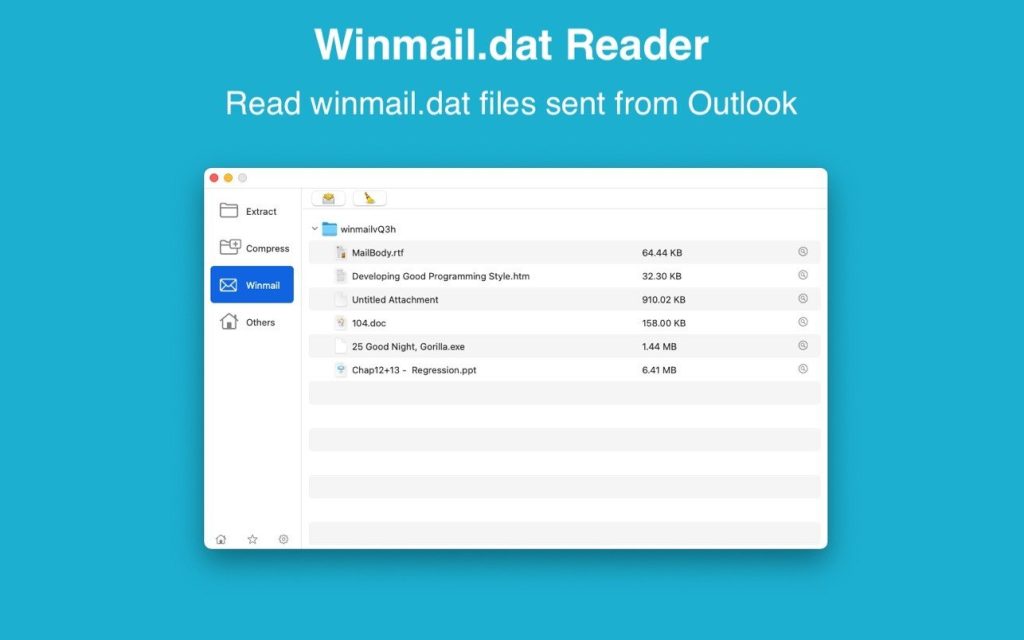
- – Preview and open a winmail.dat file sent from Microsoft Outlook.
- – Convenient viewing of the list of archive files.
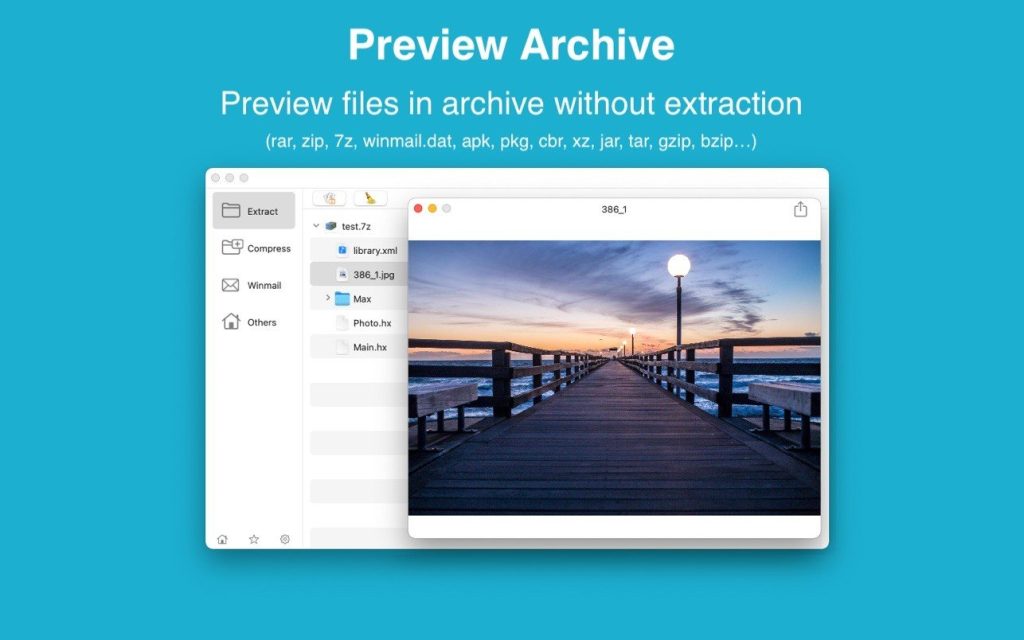
- – Quickly preview files in the archive before extraction.
- – Unzip and unzip the selected individual file or folder within the archive.
- – Double click to display or extract immediately after setting this application as your default archiver.
- – Drag archives to the dock icon to extract or display directly.
- – Batch unpacking of multiple archives
- – Create password-protected ZIP and 7Z archives.
- – AES256 encryption algorithm for creating ZIP and 7Z archives.
- – Drag the archive file to your desktop to extract it directly.
- – Dual display window support
INTRODUCTION TO THE VERSION
- – RAR Extractor: first generation product.
- – RAR Extractor Max: Based on RAR Extractor, we have redesigned the user interface and improved functionality.
VERSION INTRODUCTION
- RAR Extractor: a lite version the first-generation product, supporting decompress all most of formats of archives and compress files to rar and 7z packages.
- RAR Extractor Pro: a pro version the first-generation product, supporting decompress all most of archives, meanwhile, it supports view the contents of archive before extraction.
- RAR Extractor Max:based on the first-generation app, we redesigned the UI and improve the functionalities
Compatibility: macOS 10.12 or later
Homepage https://apps.apple.com/pk/app/rar-extractor-max-unzip-file/id1535136051
Screenshots