Name: SiteSucker Pro 6.1.7 [TNT]
Size: 7.69MB
Files: SiteSucker Pro 6.1.7 [TNT].dmg[7.69MB]
SiteSucker Pro 6.1.7 for Mac
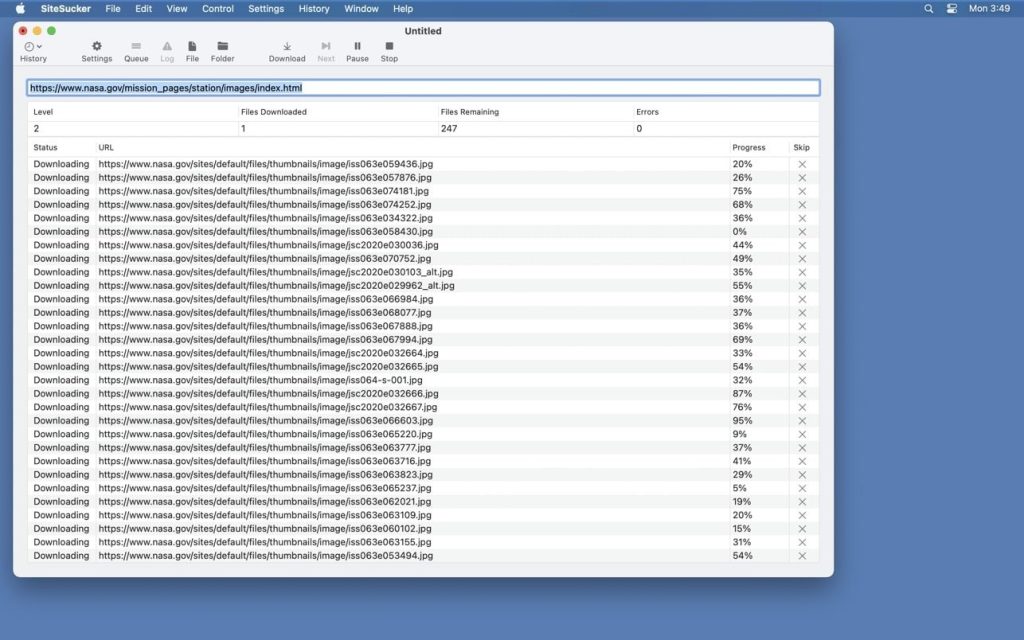
SiteSucker is a Macintosh application that automatically downloads websites from the internet. It does this by asynchronously copying a site’s web pages, images, PDFs, stylesheets, and other files to your local hard drive, duplicating the site’s directory structure.
SiteSucker Pro is an advanced version of SiteSucker that can download embedded videos, including embedded YouTube and Vimeo videos.
SiteSucker can download an entire website to your computer, preserving its structure, or, conversely, only content of a certain type (images, archives, etc.). When downloading a website with default parameters, files added to the ROBOTS.txt exclusion list, which exists in the structure of every website, will not be downloaded. However, this restriction can easily be disabled in the settings.
The application maintains a log file from the moment it is loaded, noting any loading errors and other parameters specified in the corresponding settings menu item. The log file can be viewed by clicking Open Log on the toolbar. The file itself opens in the Console application.
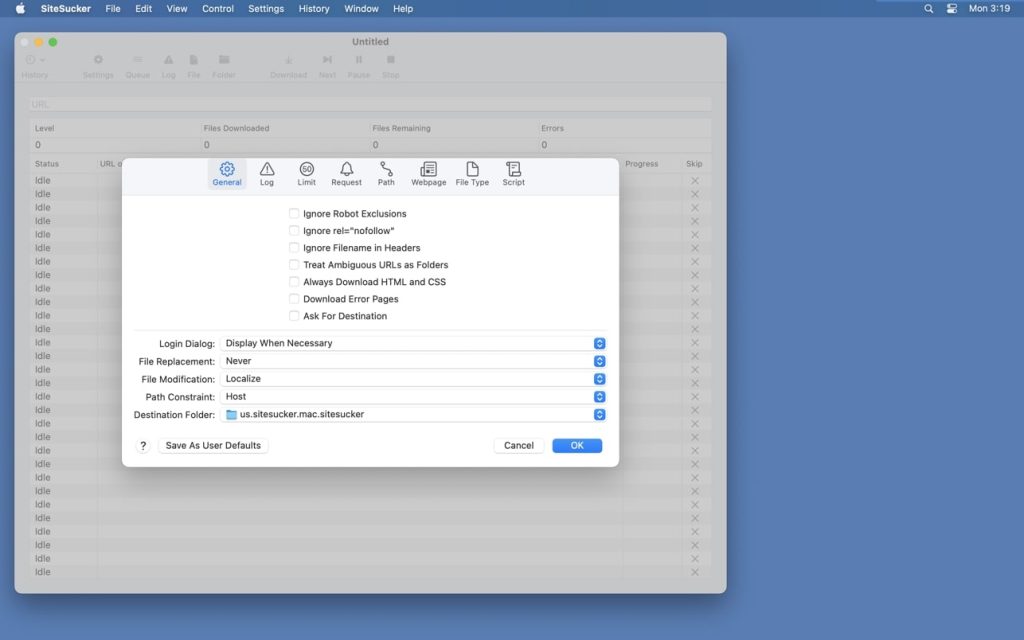
Functionally, all settings are grouped in a drop-down menu.
- • GENERAL. This tab contains the most important settings, such as ignoring exceptions in ROBOTS.txt, program behavior when loading identical files, selecting the destination folder on the hard drive, and others.
- • LOGS. Select events to be displayed in the program log file.
- • LIMITS. Setting limits on link depth, the total number of downloaded files, their minimum and maximum size, etc.
- • FILE TYPES. File upload settings. In this tab, you can configure the upload of all files or only files of certain types.
- The options in the LIMITS and FILE TYPES tabs allow you to flexibly configure the download of certain file types, eliminating the need to uselessly download many megabytes of unnecessary files and greatly simplifying post-processing of an already uploaded site.
- • PATHS. This tab allows you to add specific links to files or website pages that must be downloaded or skipped.
- • ADVANCED. This section contains advanced program settings that are optional but significantly expand the program’s capabilities. For example, since some sites prohibit downloading their content using download managers, SiteSucker can pretend to be Safari or Firefox, thereby bypassing this restriction.
Compatibility: macOS 12.0 or later
Homepage https://apps.apple.com/us/app/sitesucker/id442168834
Screenshots