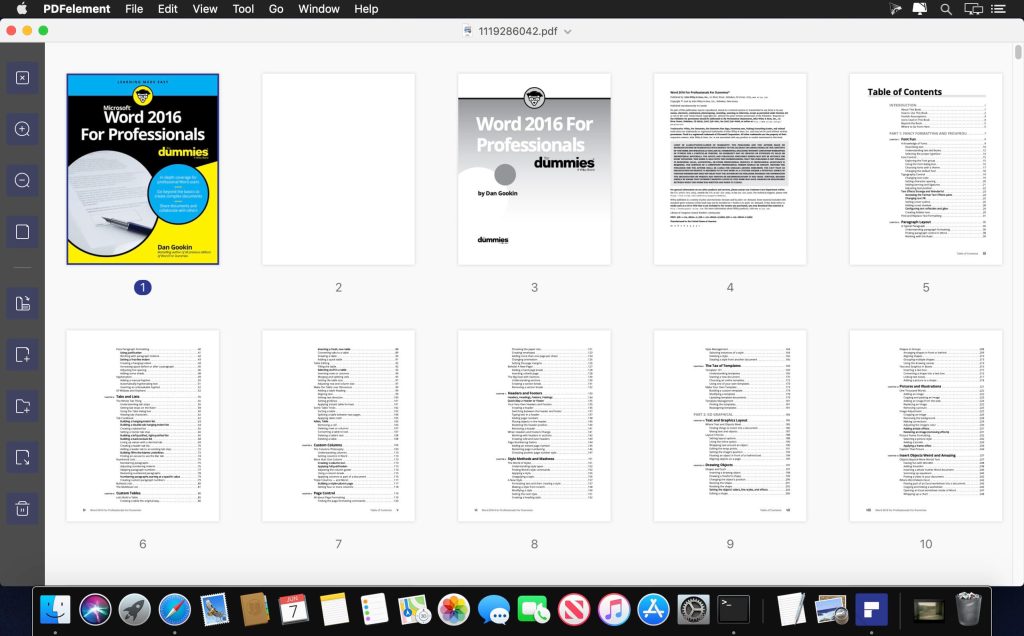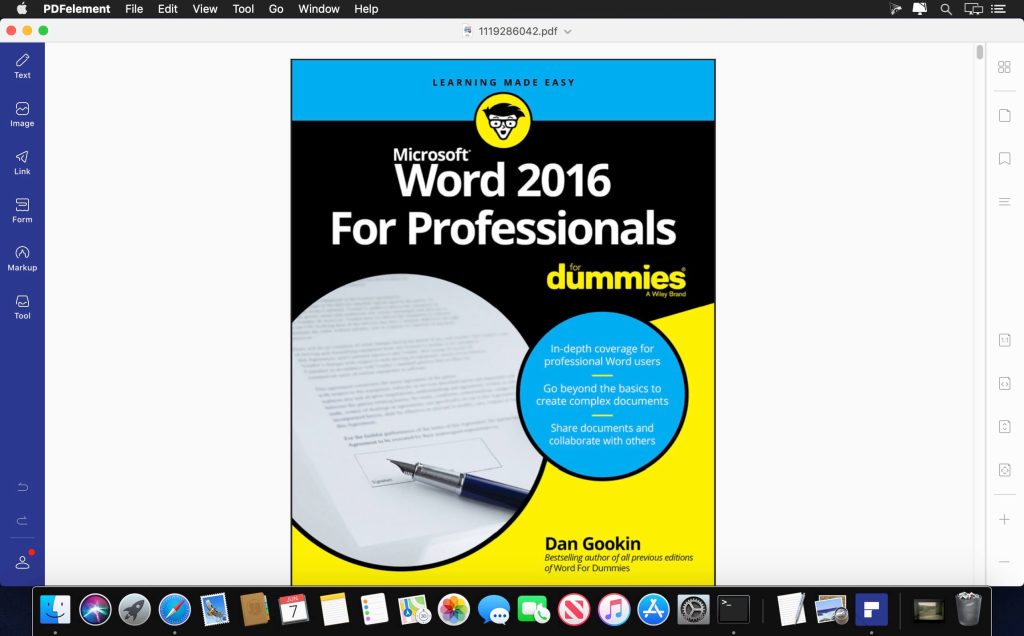
Name: Wondershare_PDFelement_12.1.14.dmg
Size: 827 MB
Files: Wondershare_PDFelement_12.1.14.dmg [827 MB]
Wondershare PDFelement Pro 12.1.14 (OCR) Multilingual macOS
PDFelement is a powerful PDF editor that lets you read, edit, scan, annotate, convert, sign, merge, encrypt, and print PDF documents. With PDFelement, you’ll become a true PDF expert.
PDFelement Standard vs. PDFelement Pro:
- Wondershare PDFelement Pro *PDFelement Standard = PDF Editor + PDF Annotator + PDF Converter + PDF Reader + PDF Creator + Form Filler
- *PDFelement Pro = All features of PDFelement Standard + OCR + Batch Operations + PDF/A Support + Form Creator + Support for Additional Output Formats
**AI Mode**
- Wondershare PDFelement Pro – AI commands: Reduce text, Translate, Ask PDF, Summarize, Explain
- – AI chat
*** PDFelement Standard ***
√ PDF editor
- – Edit text, images, and links in PDF files
- – Changing font attributes (type, size and style, alignment)
- – Insert, update, or remove custom watermarks and backgrounds
√ Markup and annotate PDF files
- – Adding comments, notes, text fields, text footnotes, stamps, adding/editing links, drawn objects
- – Highlighting, underlining or crossing out texts
- – Create and manage a library of preset and custom stamps
√ PDF converter
- – Supported output formats: Word, Excel, PPT, and image formats (.docx, .xlsx, .pptx, .jpg, .png, .gif, .bmp)
- – Preserve the original formatting of texts, images, graphics, fonts and embedded elements after conversion
√ Filling out forms
- – Filling out PDF forms
- – Access to a library of ready-made customizable fillable forms
- – Support for creating exclusive electronic signatures/eSign
√ Create PDF files
- Wondershare PDFelement Pro – Supported input formats: pdf/html/webarchive/rtf/txt/jpeg/jpg/png/bmp/gif
√ Page Management
- – Manage pages in a document (change order, insert, extract, crop, rotate and delete pages)
- √ Protect and collaborate on PDF files
*** PDFelement Pro ***
- √ Equipped with all the features of PDFelement Standard
√ Text recognition
- – OCR (Optical Character Recognition) allows you to recognize text and convert text in scanned PDF files or images
- – OCR support for 29 languages
√ Creating and signing forms
- – Create fillable PDF forms from interactive field objects such as buttons, checkboxes, radio buttons, and drop-down lists
- – Support for adding digital signature to forms
√ Merge PDF files
- – Combine files of different formats into a new PDF file
√ PDF/A
- – Ability to save PDF files in PDF/A format according to ISO standards for long-term archiving
√ Batch processing of PDF files
- – Support for processing PDF files in batch mode
- – Add backgrounds, watermarks, headers and footers in batch mode
√ Sequential numbering
- – Use continuous numbering with advanced formatting options
√ Editing PDF files
- – anonymization of sensitive information and images in PDF documents
Unlocking the following PDFelement trial limitations by purchasing the full version in-app is also supported:
- – The trial version watermark is not added when saving or printing.
- – No page limits when converting PDF files
- Wondershare PDFelement Pro – Support text recognition function
What’s New:
Version 12.1.12 (OCR):
- Release notes were unavailable when this listing was updated.
Compatibility: macOS 11.0 or later
Homepage https://www.wondershare.com/
Screenshots