Airtool 2.7.5 for Mac
Airtool is an application that provides basic functionality for checking the status and configuration of the built-in Wi-Fi adapter on one or more channels.
Airtool Features:
- – View Wi-Fi adapter status and channel information
- – Disconnect from the network
- – List supported channels and their widths
- – Capture frames on one or more channels
- – Change channel settings while capturing frames using external tools such as Wireshark or tcpdump
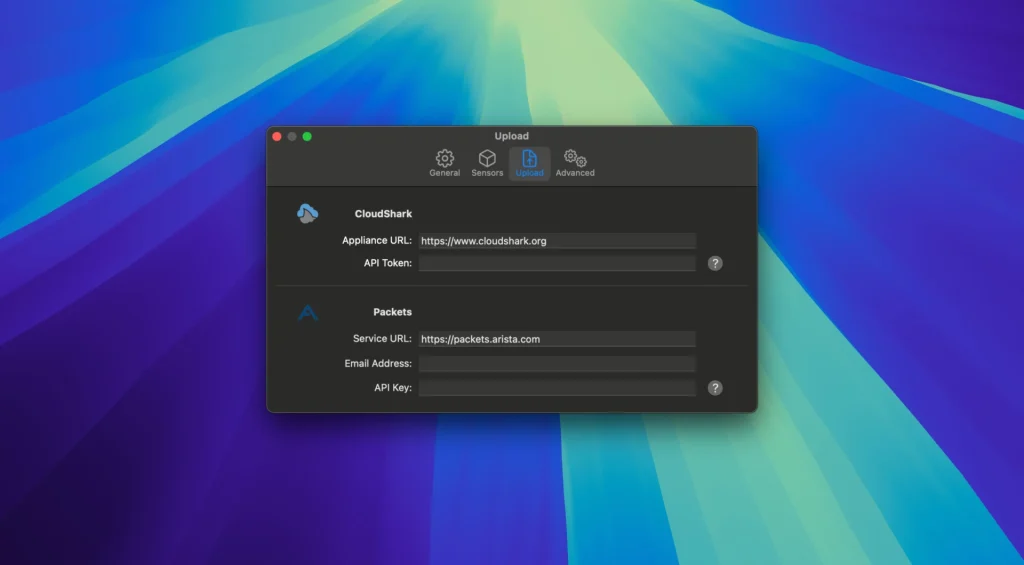
- – Automatically or manually upload captures to CloudShark
What’s new in v2.7.5
- Removes “Capture All” options on MacBook Pro M5 Pro/Max, MacBook Air M5, and MacBook Neo, where channel hopping is not currently reliable
- Other minor fixes and improvements
What Airtool 2 does
- Easy Wi‑Fi captures: use the Mac’s built-in adapter or external/remote setups for WLAN troubleshooting.
- Wireshark workflow: auto-open captures in Wireshark—or view live captures when configured.
- Remote & multi-channel: capture via Linux sensors (e.g. WLAN Pi) and combine multiple adapters for multi-channel analysis.
- More than Wi‑Fi: Zigbee and Bluetooth LE via supported USB sniffers; optional iOS packet traces for network debugging.
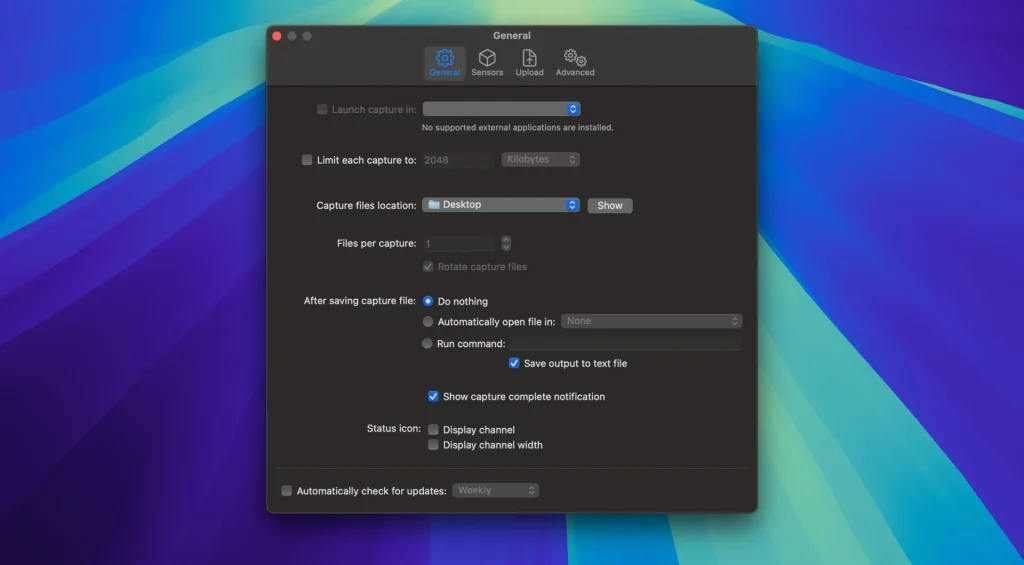
- Pro options: capture limits, file rotation, slicing, and integrations with services like CloudShark and Packets.
Compatibility notes
Requires macOS 13.5 or later (per vendor). On newest Wi‑Fi chips (N1 / A18 Pro class Macs), built-in capture may need macOS Tahoe 26.5+; channel hopping limitations are documented in official known-issues.
- Product: intuitibits.com/products/airto.ol2
- Release notes: Release notes
Homepage https://www.intuitibits.com/products/air.tool/
Screenshots