Pixelsnap 2.6.3 for Mac
PixelSnap is an indispensable screen measurement tool for designers, web developers, and anyone who uses a Mac for design work. The app accurately measures pixels on your screen, distances, and objects on a webpage as you drag your cursor. Thanks to the built-in CleanShot and PixelSnap integration, it will capture perfectly scaled images of your elements.
Peculiarities:
- Measure distances
Quickly find out the distance between any elements on your screen - Measure objects
Instantly find out the boundaries of any object by simply selecting it - Add Snapable Guides
Check alignment by adding horizontal and vertical guides on the screen - Take screenshots
Export your measurements as an image and easily share them with others - Crosshair Mode
Quickly check the alignment of all elements on your screen - Error Mode
Adjust the error for working with shadows and low-contrast elements - Integration with your favorite
PixelSnap tools shows real-world dimensions regardless of the zoom level displayed.
What’s new in v2.6.3
- Arrow-key guide tuning: fine-tune guide position with the arrow keys while adding a new guide
- Smarter snapping: improved guide interactions and more reliable snap behavior
- Recent releases also added macOS 26 Tahoe compatibility (v2.6.2), screenshot padding preview (v2.6.1), and session restore, guide snapping to areas, and Shift-constrained resizing (v2.6).
Key features
- Measure distance between UI elements; hold dimensions on screen and copy values to the clipboard
- Measure objects by dragging a snap rectangle; measure multiple objects at once
- Snappable guides with distances between guides and alignment to screen elements
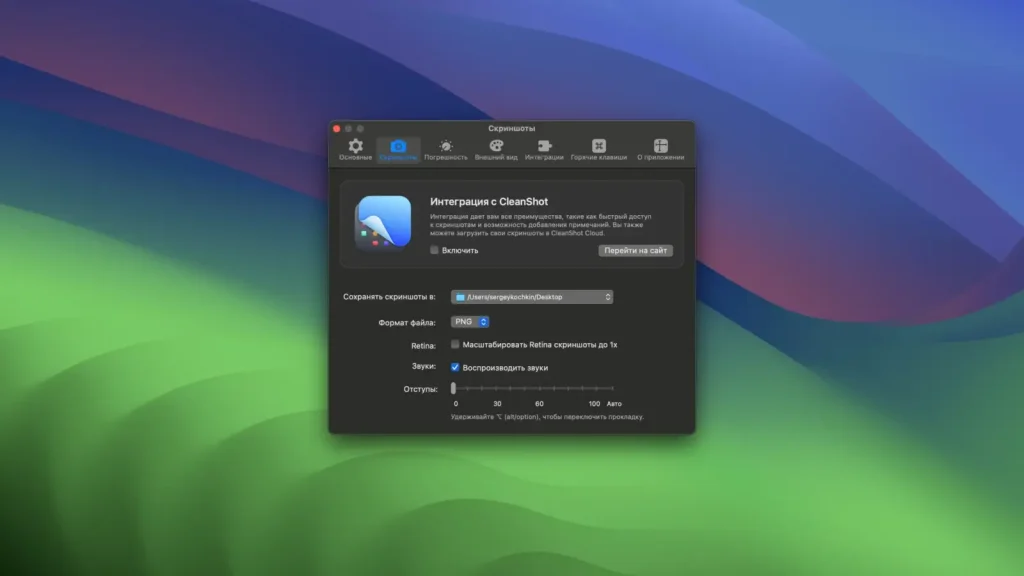
- Screenshots of measurements; integration with CleanShot X
- Design tool integrations: Sketch, Figma, Adobe XD, and Affinity—real dimensions regardless of canvas zoom
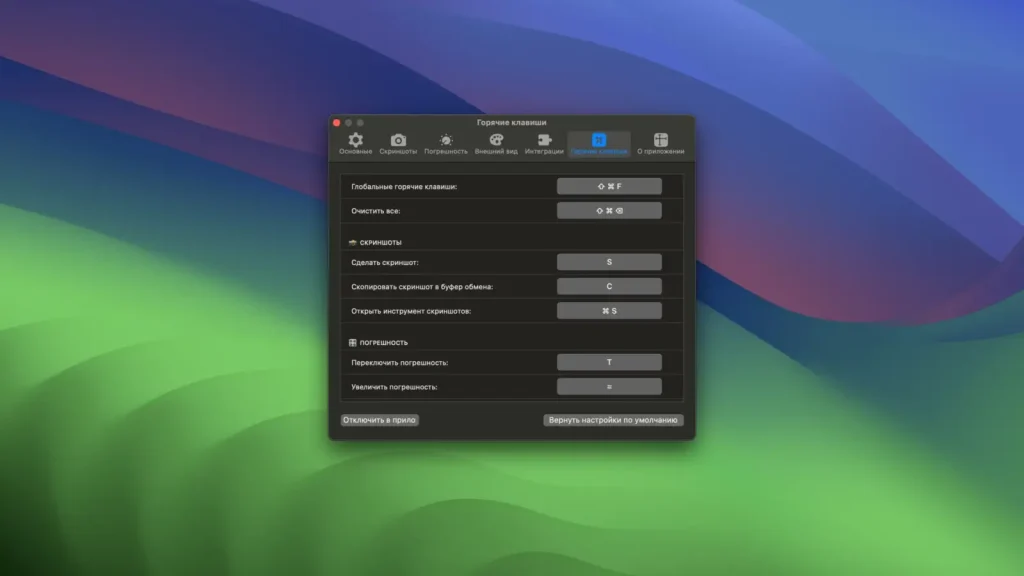
- Crosshair mode, tolerance for shadows/low contrast, global hotkeys, light/dark UI, Retina and multi-display support
Requirements & licensing
- Version: 2.6.3
- Platform: macOS (Intel and Apple Silicon)
- macOS: 10.13+ (vendor); 10.14.4+ listed on some distribution metadata
- Permissions: Screen Recording and Accessibility (for overlays on other apps)
- License: paid license (~$39 for one Mac on the official store); also on Setapp; 30-day money-back guarantee
Homepage: https://getpixelsnap.com/ru/
Screenshots