Techtool Pro 20.1.9 Multilingual macOS
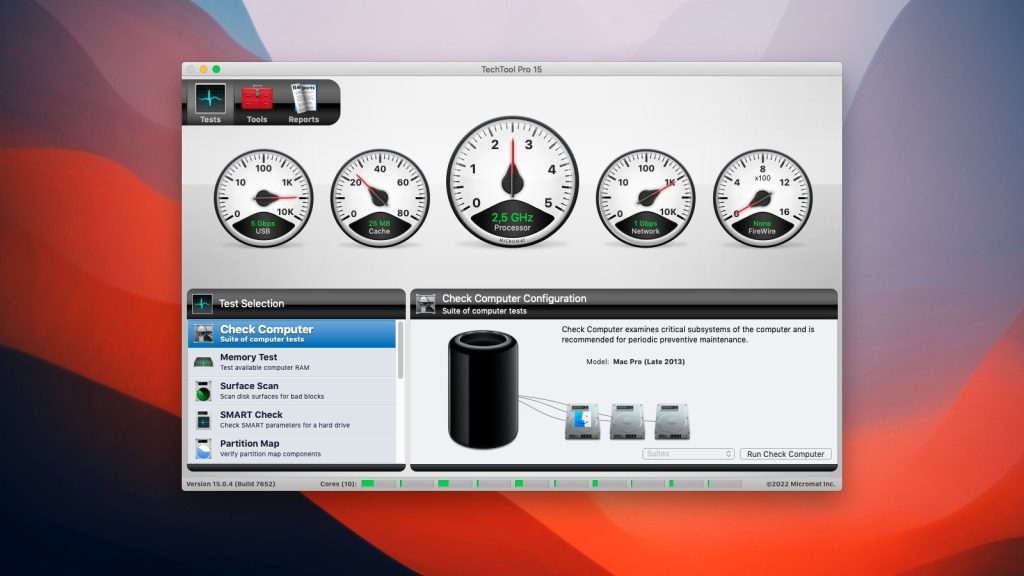
TechTool Pro is an advanced version of a diagnostic and troubleshooting utility for Macintosh computers. It’s easy to use and suitable for both home users and professionals.The Application is fully 64-bit compatible, allowing it to run more efficiently on the latest Macintosh computers.
This Application brings several new hardware tests—testing motherboard components, something no other utility can access. You can now check the sensors and fans on your computer, and the battery if you’re using a Mac laptop. Protogo is also now integrated, allowing you to create your own test drives.
TechTool Pro includes the TechTool Protection system settings, where you can configure automatic features that run in the background. Specifically, you can configure protection to monitor deleted files, monitor free hard drive space, save backups of critical directories to assist with recovery in the event of disk corruption, and monitor the smart routines of your hard drives. If problems are detected, TechTool Protection displays a message on the screen and can also notify you via email.
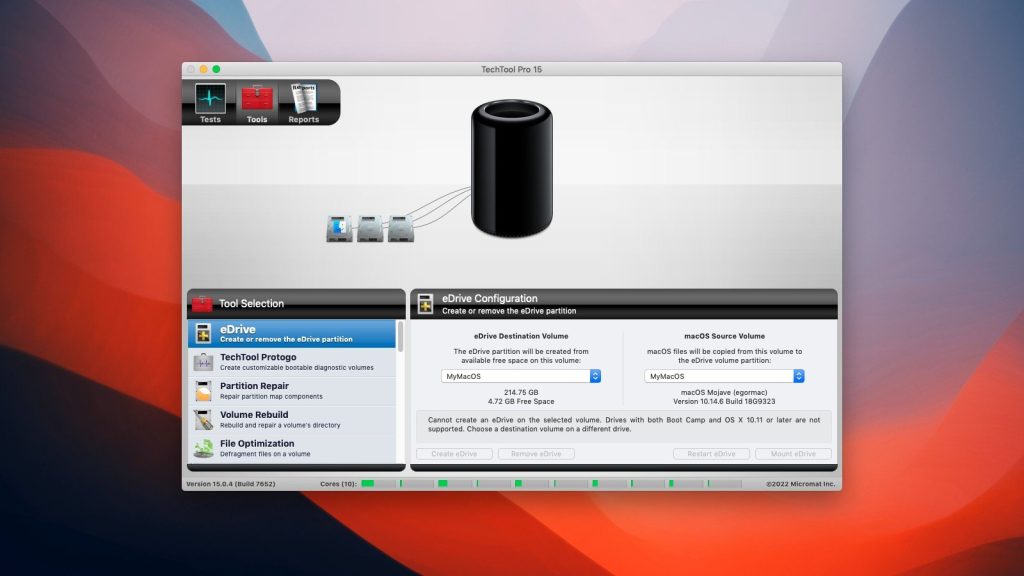
TechTool Pro is a multi-functional and useful utility that every Mac user should have for comprehensive diagnostics, repairs, and maintenance. To keep your Mac optimized and running smoothly, make sure you use TechTool Pro and keep your Mac running at peak performance.
Key features:
- Convenient and simple single interface for performing system testing and maintenance operations
- Create an emergency boot partition on the active system volume (DVD not required)
- Perform a SMART test on hard drives to detect changes in condition or impending failure
- Repair of damaged volumes, including the latest SSD drives
- Volume cloning
- Detection of bad blocks on a hard drive and recovery of files written to them
- Restore access rights to files on a partition
- Recover deleted files and lost data
- Monitor device configurations for better security management on your local network
- Continuous protection by monitoring the system, receiving alerts in case of abnormal behavior
Compatibility: Apple Silicon and Intel-based Macs
macOS 10.13 ‘High Sierra’ through macOS 10.13 ‘High Sierra’ through macOS 14 ‘Sonoma
Homepage https://www.micromat.com
Screenshots